Rev AA How to Insert the Cartridge into the Printhead 5-3
Videojet 8520 Operator Manual
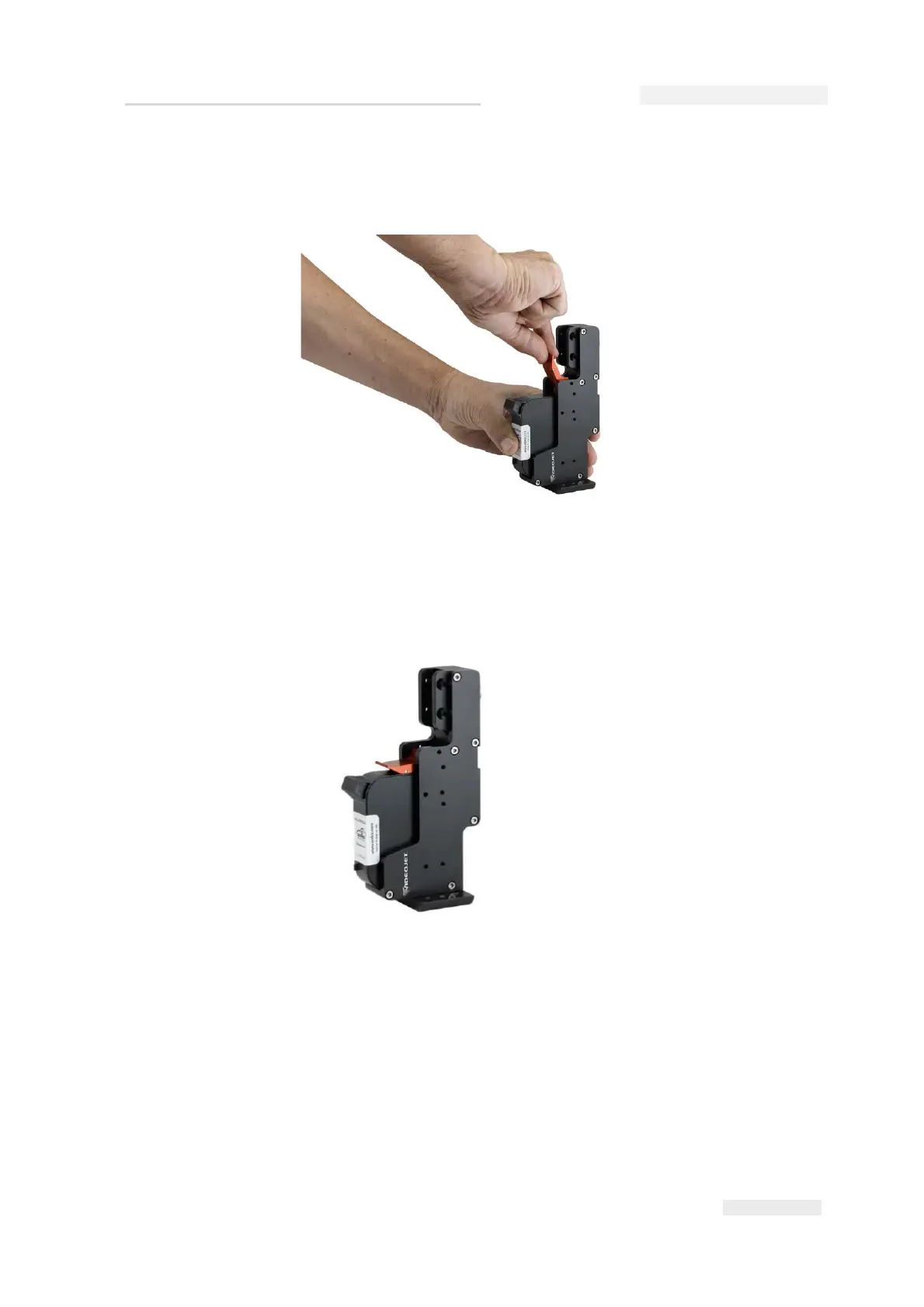
3 Press the cartridge inside towards the back in a straight line (see
Figure 5-2).
4 Secure the cartridge to the printhead by pressing the locking lever
down (see Figure 5-3).
Note: Do not touch either the contactor pins on the printhead or the
contactor plate on the cartridge with your fingers (oxidation). This will
ensure long lasting high print quality.
Figure 5-2: Fix Ink Cartridge
Figure 5-3: Ink Cartridge in Printhead



 To Next Page