5-6 How to Set the Screen Orientation Rev AA
Videojet 8520 Operator Manual
How to Set the Screen Orientation
Depending on the position in which the CLARiTY controller is mounted,
it may be necessary to rotate the screen image by 180 degrees.
To change the screen orientation, proceed as follows:
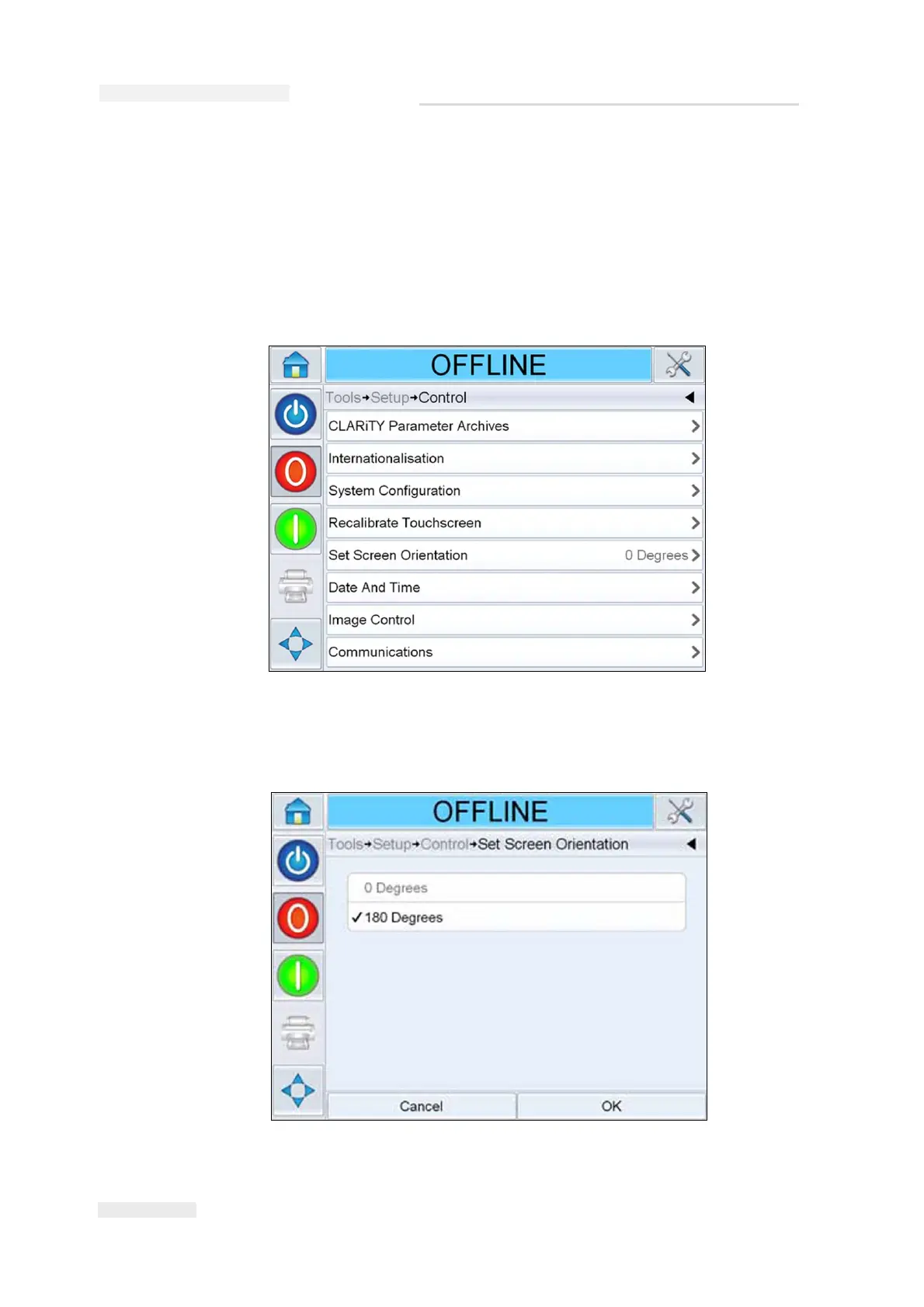
1 Navigate to Tools > Setup > Control. Control screen appears
(Figure 5-6).
2 Touch Set Screen Orientation from the list. Set Screen Orientation screen
appears (Figure 5-7).
Figure 5-6: Control Screen
Figure 5-7: Screen Orientation



 To Next Page