Rev AB Reverse Print 6-27
Videojet 8520 Operator Manual
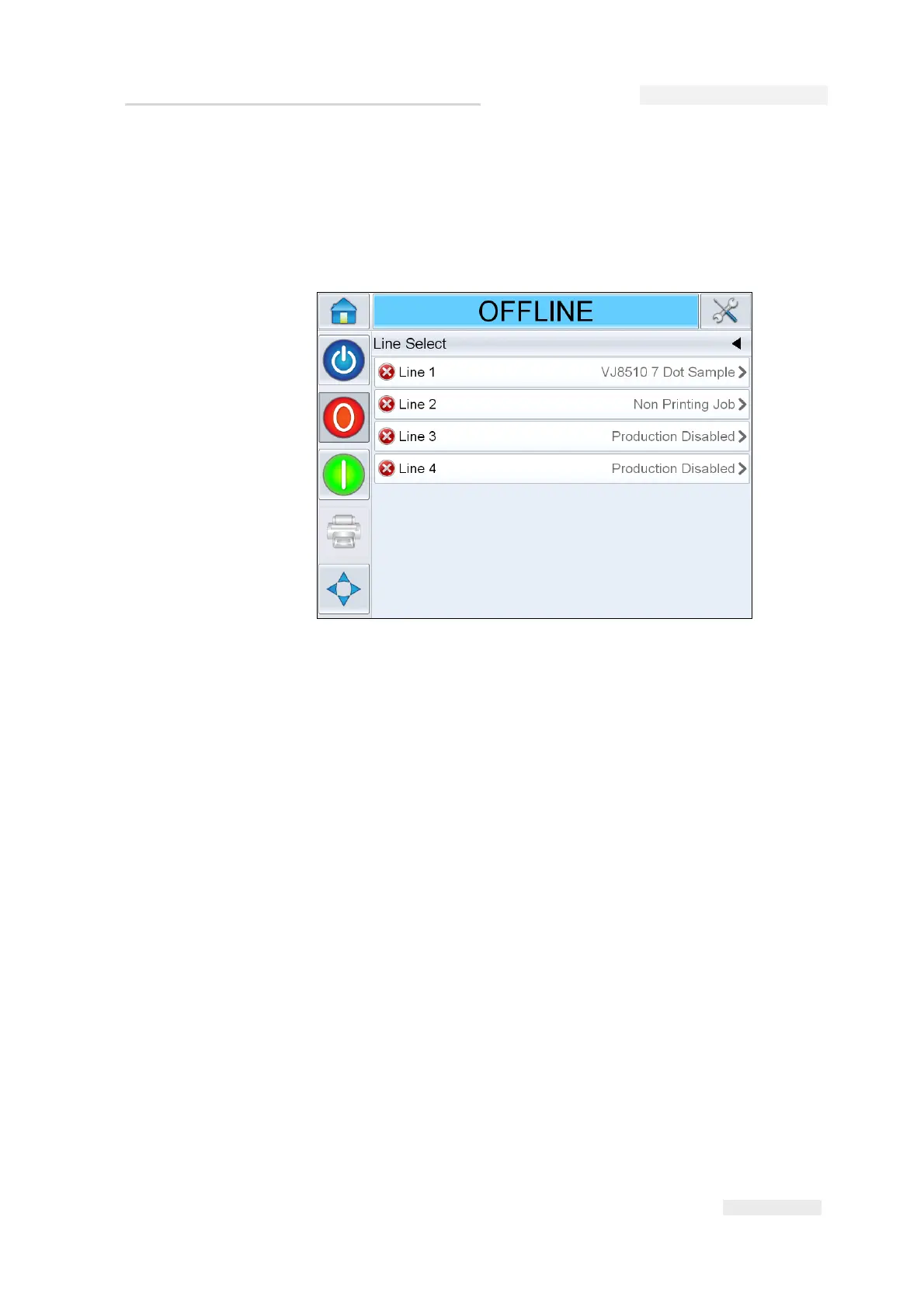
4 Line Select screen appears again (Figure 6-33).
a. If you have selected Disable, then the message Production Disabled
appears.
b. If you have selected No Print, then the message Non Printing Job
appears.
Reverse Print
Reverse printing is used in systems where printheads are moved on
traveling units. Reverse printing permits printing in both directions of
movement. This chapter provides information on setting the following:
•Input
• Installation
•Job
Figure 6-33: Line Select Screen


 To Next Page