Rev AA Setting up the Printer 5-7
Videojet 8520 Operator Manual
3 Select 0 or 180 degrees depending on your requirement and select OK.
The screen orientation changes.
4 Touch the Home button to return to the Home screen.
Setting up the Printer
To set up the printer, do the following tasks:
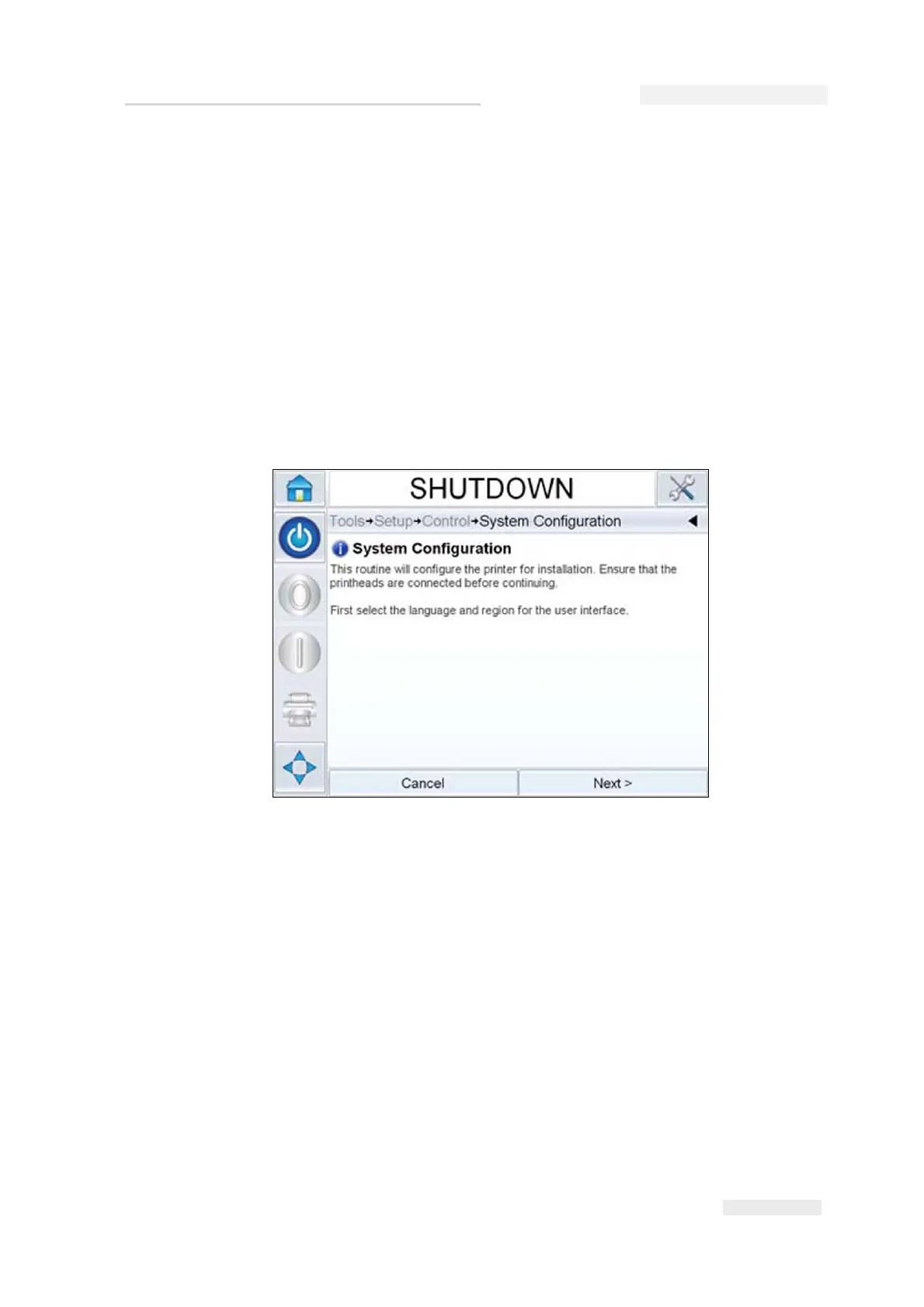
If the Configuration Wizard does not appear automatically, navigate to
Tools > Setup > Control > System Configuration. The System Configuration
dialog box appears.
Follow the instructions provided by the System Configuration Wizard and
touch Next when ready to progress.
In case of an error, press Back to return to the previous screen and correct
the error. Press Cancel to exit from the wizard.
Note: Scroll up and down to see the complete message displayed within a dialog
box.
Language, Region/Country, Date and Time
1 Follow the instructions displayed on the screen to configure the
Language, Region/Country, Date and Time and press Next.
Figure 5-8: System Configuration



 To Next Page