7-4 Recovering Nozzles/Purge Nozzles Rev AB
Videojet 8520 Operator Manual
Recovering Nozzles/Purge Nozzles
Depending on the type of ink used, the ink may dry on the nozzle plate of
the cartridge if not used for some time. This is very much dependent on
ambient conditions (air temperature, air humidity). The Purging function
helps to improve such sticking characteristics after the printer has not
been used for a while. This is done by purging out a few drops of ink
before the actual printing process begins.
To purge the printheads when not in production
To purge the printheads, proceed as follows:
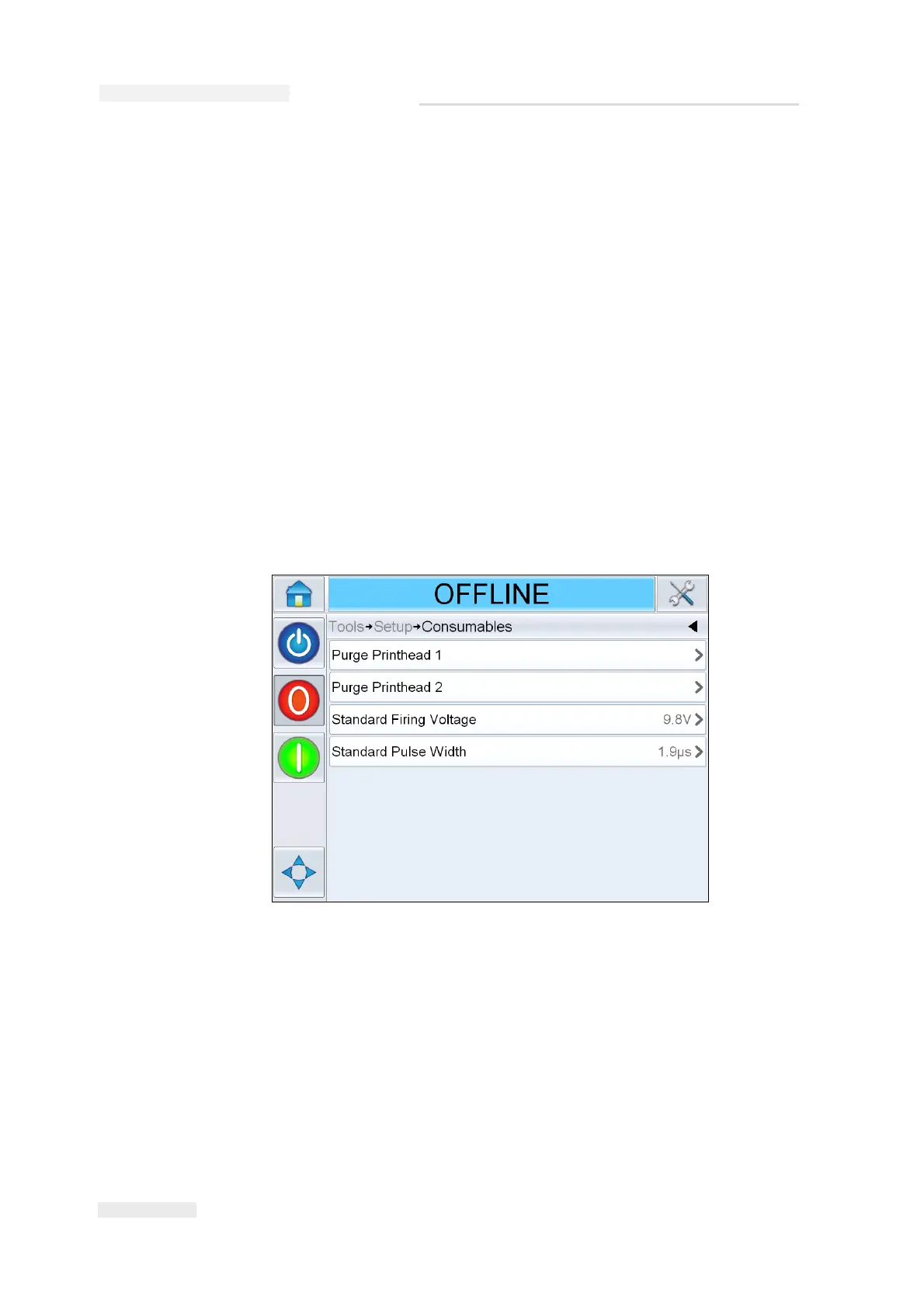
1 On the Home screen, navigate to Tools > Setup.
2 On the Setup screen, touch Consumables.
3 On the Consumables screen, touch the required Printhead. For example
if you want purge the first Printhead touch Purge Printhead 1.
Follow the on-screen instructions to complete the operation.
Figure 7-3: Purge Printhead



 To Next Page