5-18 How to Setup the Printhead Settings Rev AA
Videojet 8520 Operator Manual
How to Change Product Direction
7 Navigate to Tools > Setup > Printhead > Product Direction. Select the
appropriate direction and touch OK to confirm.
How to Change Product Orientation
8 Navigate to Tools > Setup > Printhead > Product Orientation. Select the
appropriate orientation and touch OK to confirm.
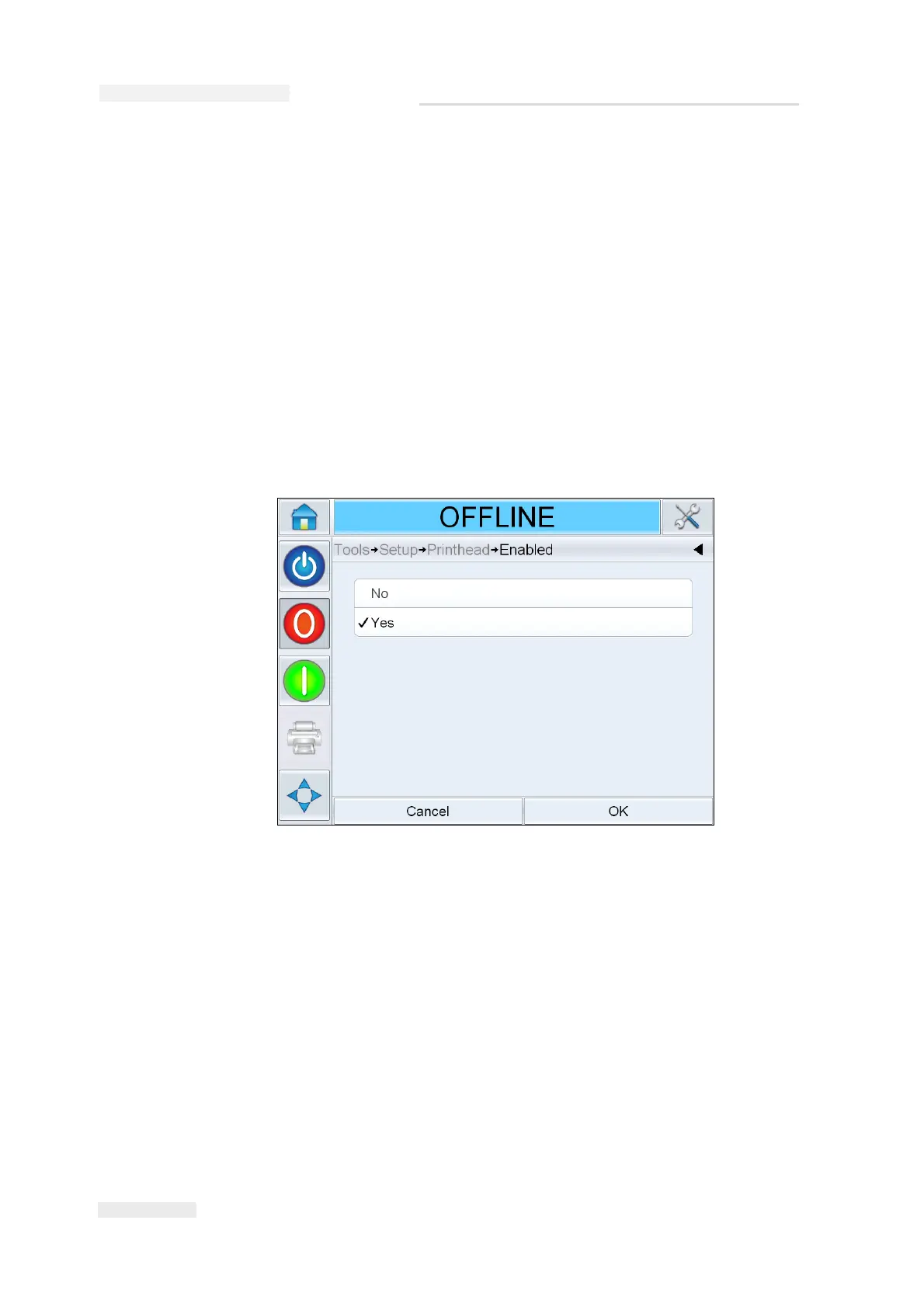
How to Enable/Disable the Printheads
9 Navigate to Tools > Setup> Printhead > Enabled. Select Yes to enable the
printhead for printing and No to disable the printhead.
Figure 5-23: Printhead ON/OFF



 To Next Page