4-10 Using the Tools Screen Rev AB
Videojet 8520 Operator Manual
Working with Diagnostics
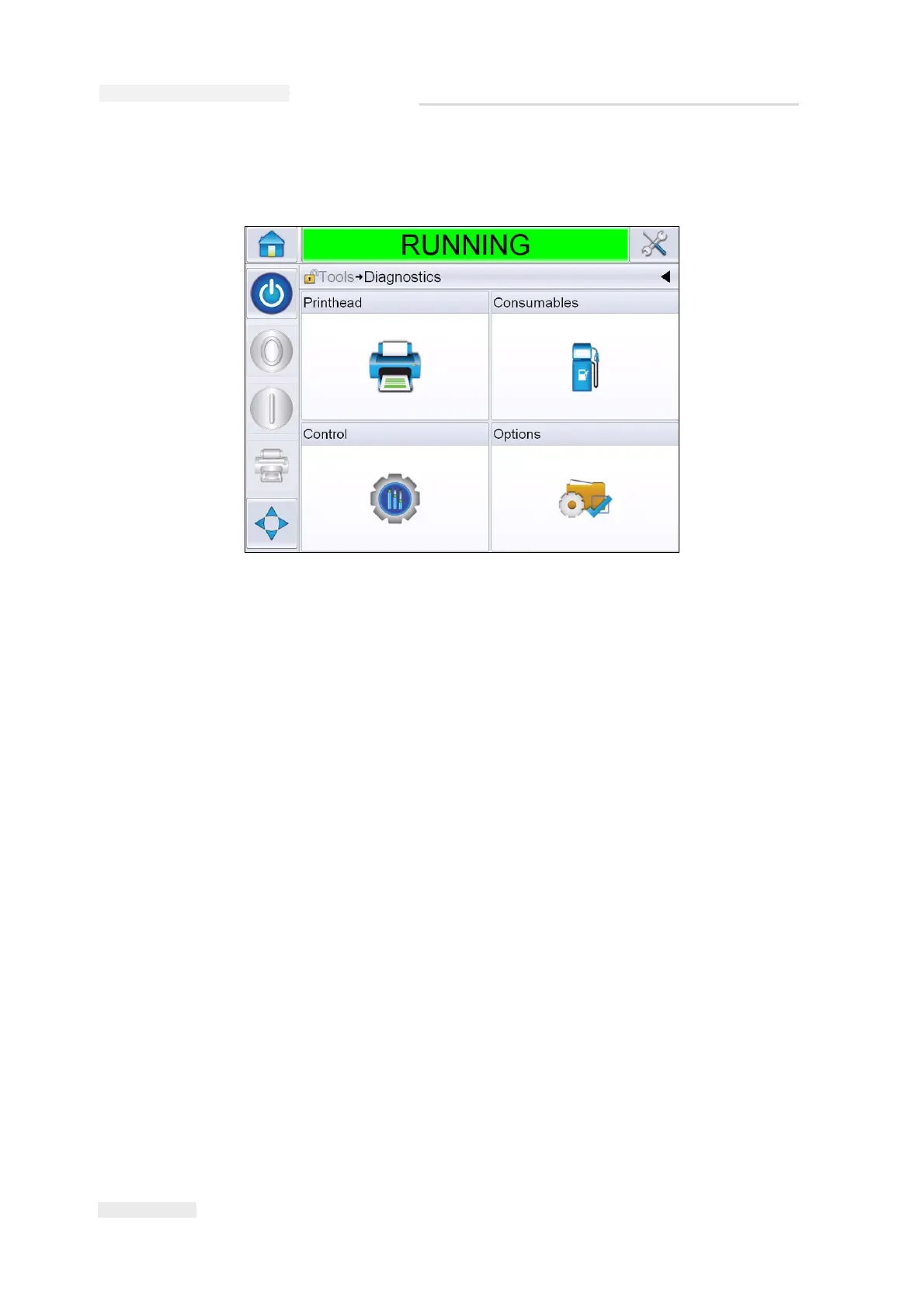
Navigate to Tools > Diagnostics (Figure 4-7).
The Diagnostics screen allows you to access the following screens:
• Printhead
• Consumables
• Control (for example software versions, system information,
communications port status)
•Options
Figure 4-7: Diagnostics Screen



 To Next Page