Rev AB Using the Tools Screen 4-11
Videojet 8520 Operator Manual
Working with Printhead Diagnostics
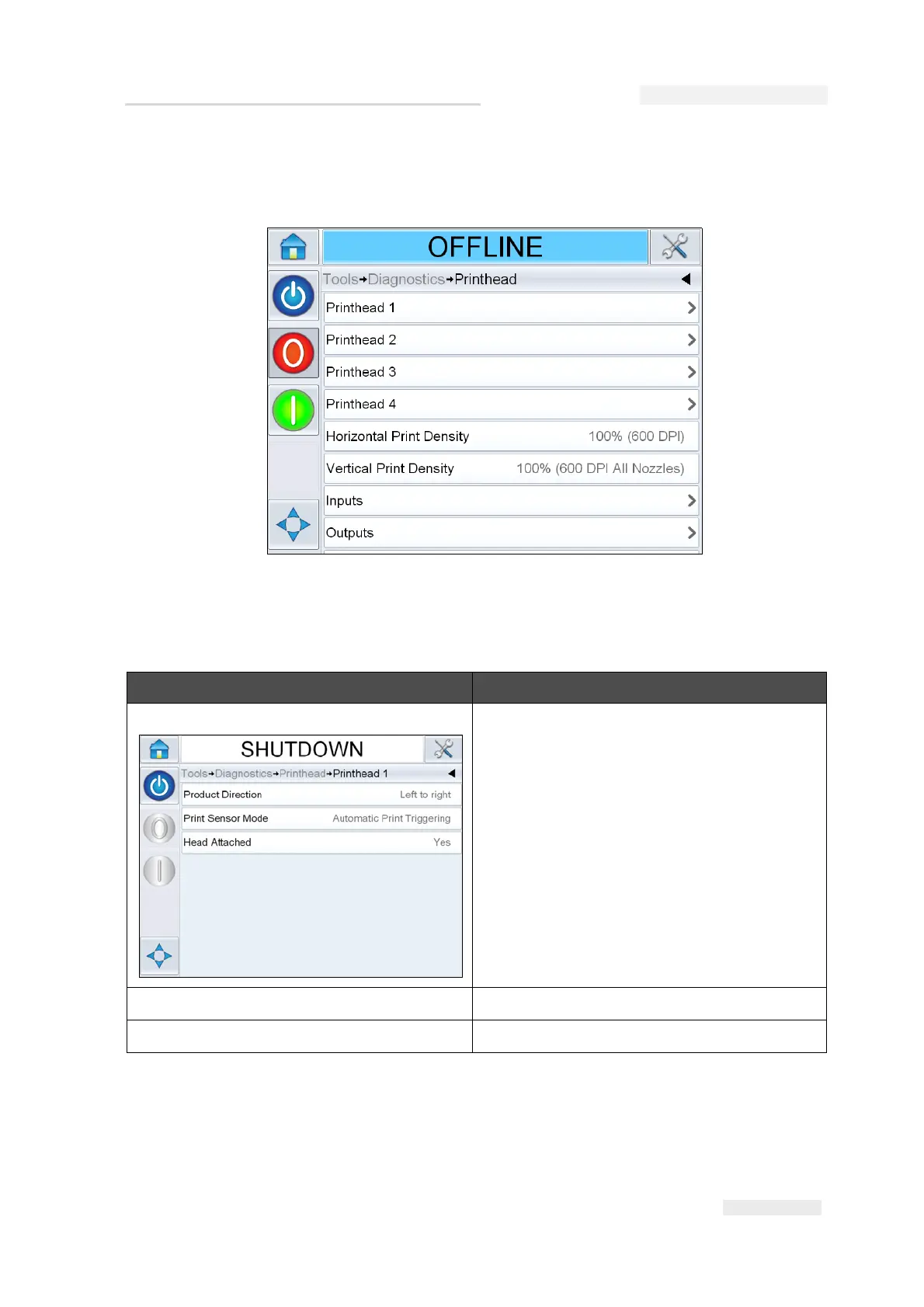
Navigate to Tools > Diagnostics > Printhead (Figure 4-8).
The Printhead screen allows the user to access the following parameters:
Option Description
Printhead 1, 2, 3 and 4 This screen shows the current value of
different parameters for the printhead. The
user can view the different printhead
settings like product direction, print sensor
mode and head attached status.
Horizontal Print Density Shows the current horizontal print density.
Vertical Print Density Shows the current vertical print density.
Table 4-6: Printhead Diagnostics Screen
Figure 4-8: Printhead Diagnostics Screen



 To Next Page