4-20 Using the Tools Screen Rev AB
Videojet 8520 Operator Manual
Working with Database
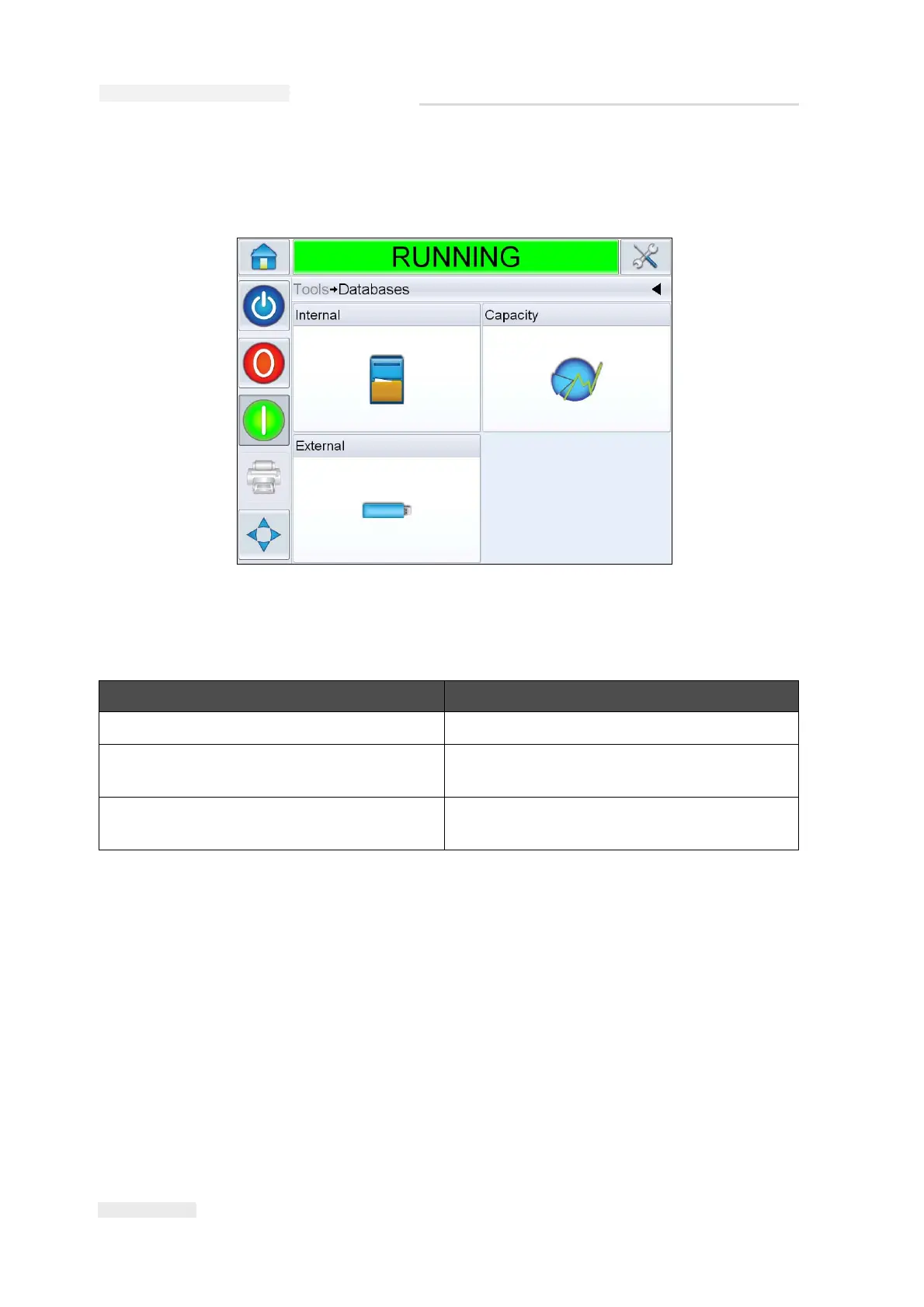
Navigate to Tools > Databases (Figure 4-11).
The following parameters can be accessed in this screen.
Option Description
Internal Shows the job stored in the printer.
Capacity Shows the details of available files and
available storage.
External Shows that the external USB memory is
connected to the printer.
Table 4-9: Database Screen
Figure 4-11: Database Screen



 To Next Page