Rev AB Using the Tools Screen 4-19
Videojet 8520 Operator Manual
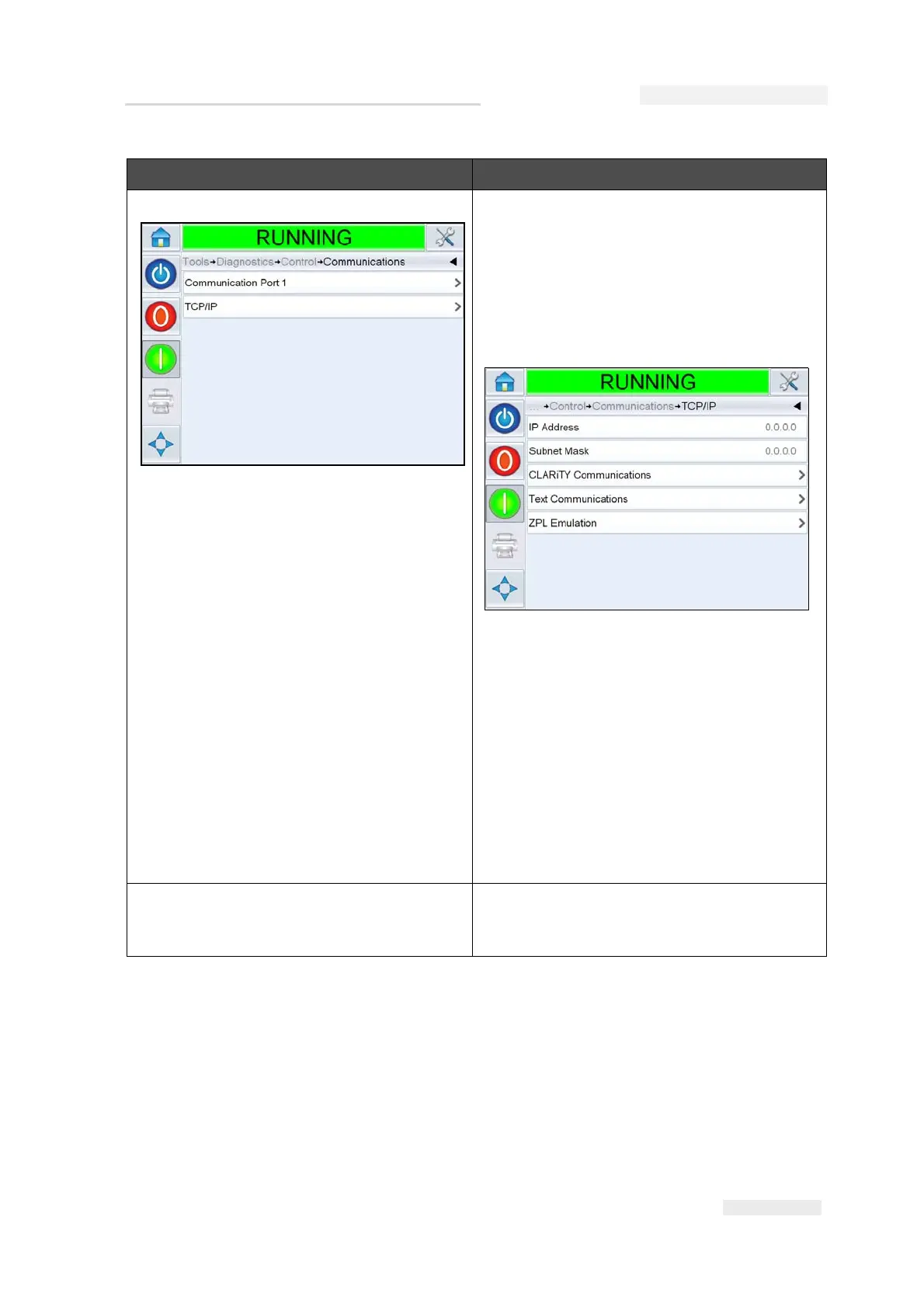
Communications The following parameters appears in the
dialog box:
Communication Port 1: Displays the
status of serial ports, including the baud
rate.
TCP/IP: Displays the status of the ethernet
port.
• IP Address: Displays the IP Address of
the controller.
• Subnet Mask: Displays the Subnet Mask
number.
• CLARiTY Communications: Displays
the port number and CLARiTY network
status.
• Text Communications: Indicates if the
Text Communications has been enabled
for this printer.
• ZPL Emulation: Indicates if the ZPL
Emulation has been enabled for this
printer.
Image Update Queue Allows the queue of print jobs to be
updated, where a number of print jobs have
been sent to the printer.
Option Description
Table 4-8: Control Parameters (Continued)



 To Next Page