4-18 Using the Tools Screen Rev AB
Videojet 8520 Operator Manual
Working with Control Diagnostics
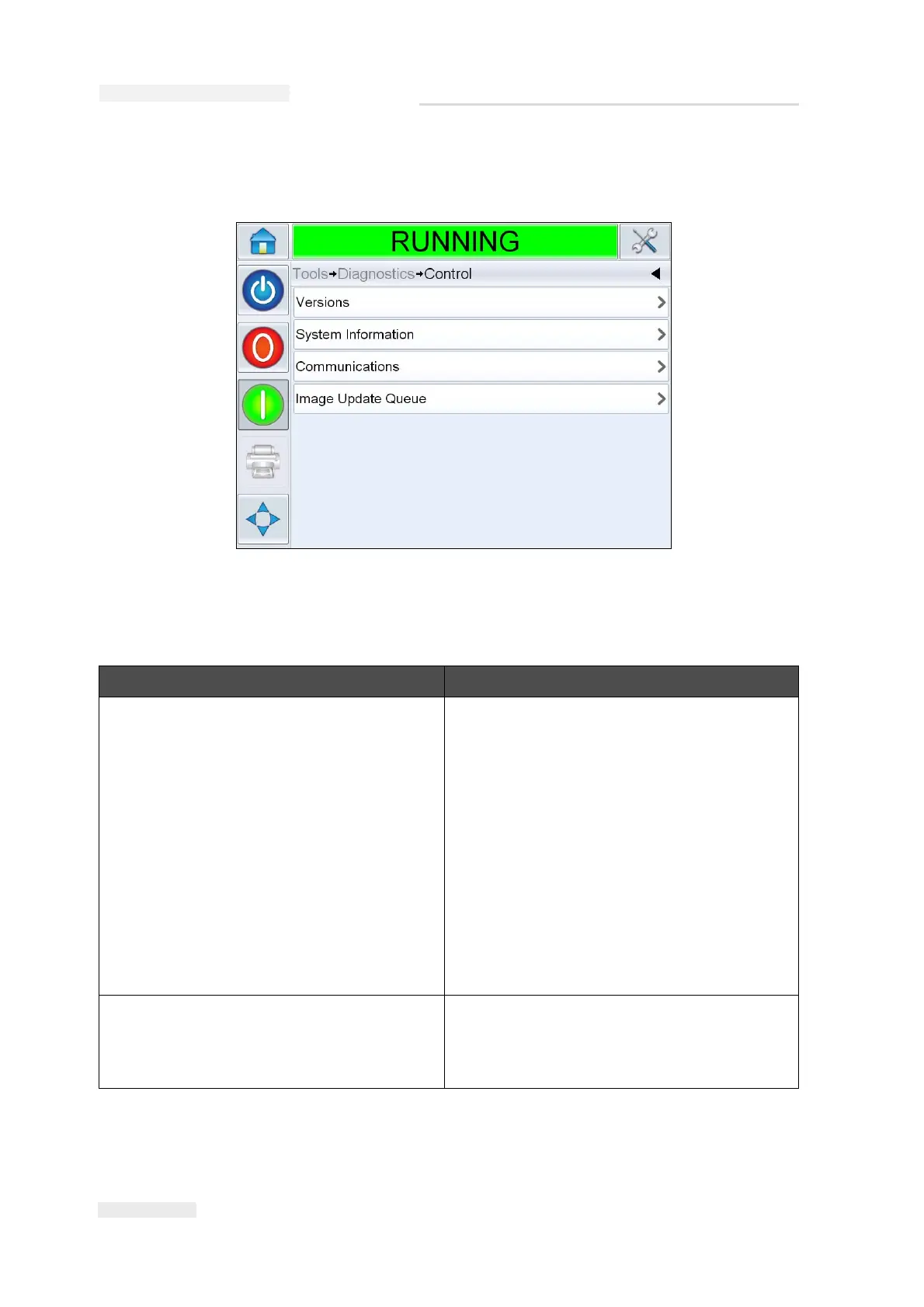
Navigate to Tools > Diagnostics > Control. (Figure 4-10).
The following parameters can be accessed in this screen:
Option Description
Versions Displays the software versions of the
various software components installed in
the printer and the printhead. The most
important number displayed is the Software
Part Number. This is the master version
number and all the other data displayed is
of secondary importance.
Note: If there is any inconsistency among the
software components that are installed in the
printer, the Software Part Number displays the
message 'Incompatible Software Versions'. If
this is seen, a CLARiTY software update must be
performed, otherwise the printer may perform in
an unpredictable manner.
System Information Displays the serial number and revision
number of Printed Circuit Board (PCB),
CPU speed and equipment reference
information.
Table 4-8: Control Parameters
Figure 4-10: Control Parameters



 To Next Page