5-8 Setting up the Printer Rev AA
Videojet 8520 Operator Manual
Printhead Settings
The user then will be asked to configure the number of printheads and
print trigger.
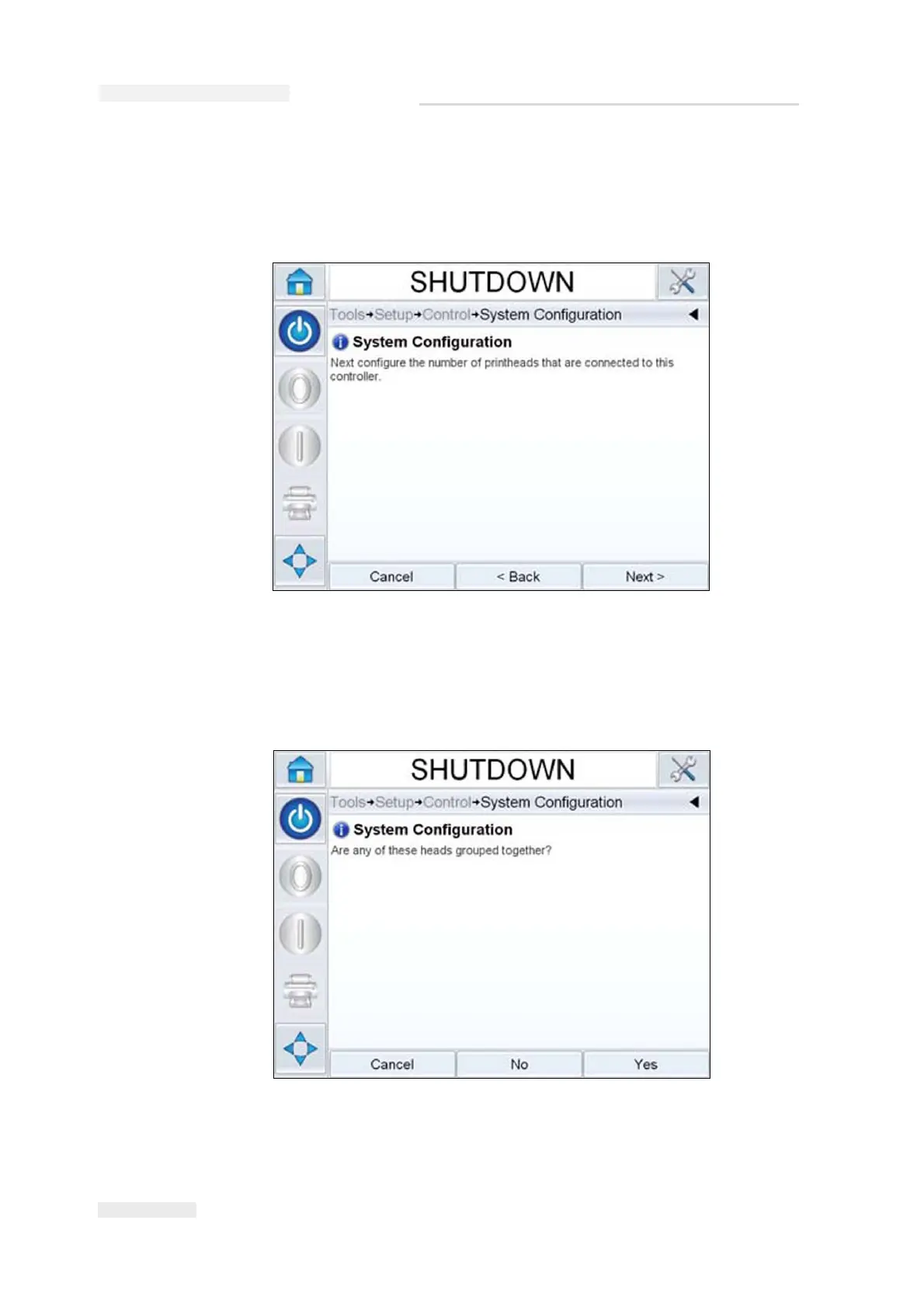
2 Touch Next to select the number of printheads. The number of
printheads ranges from 1-4. The following dialog box (Figure 5-10)
appears.
Figure 5-9: Number of Printheads
Figure 5-10: Grouped Printheads



 To Next Page