Rev AA Setting up the Printer 5-9
Videojet 8520 Operator Manual
3 Select Yes if any of the printheads are grouped together.
If the image is required to be printed by more than one printhead,
group the printheads together as required.
Note: Select No if the image is required to be printed by each individual
printheads.
4 Select Next to configure the individual or grouped printheads.
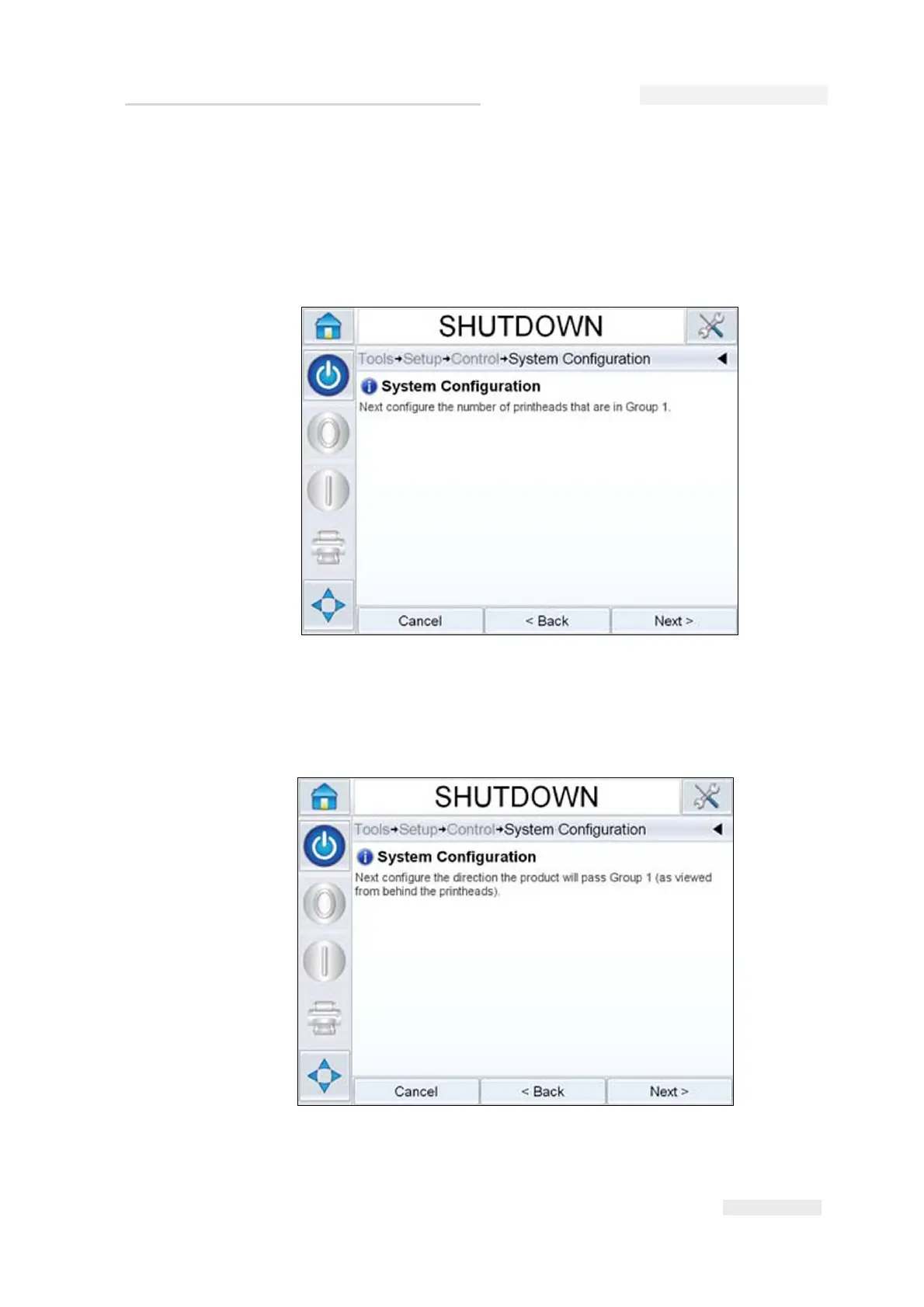
5 Configure the direction of the product that will pass this printhead
(from behind each printhead).
You can select either Left to Right or Right to Left.
Figure 5-11: Configuring Printheads
Figure 5-12: Product Direction



 To Next Page