5-10 Setting up the Printer Rev AA
Videojet 8520 Operator Manual
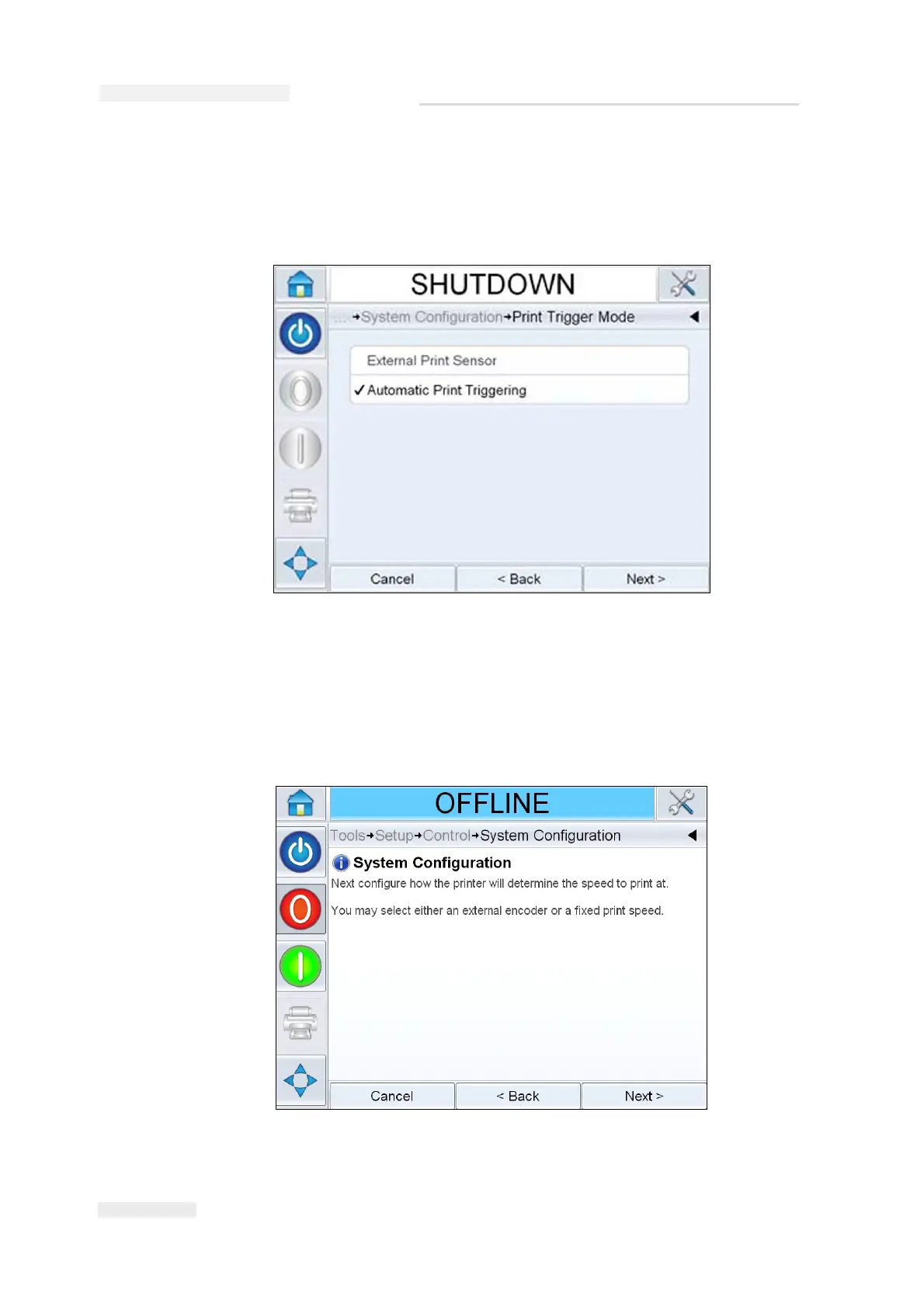
6 Touch Next, to set up the print trigger mode.
Select the required print trigger or product detect mode. If an external
print sensor is selected, set up the product size and spacing.
7 Choose the required line speed type and follow online instructions.
Note: If the line speed is selected as ‘Fixed’, make sure that the line speed
remains constant throughout printing. If the line speed changes, the set up
should be adjusted to avoid printing errors.
Figure 5-13: Print Trigger Mode



 To Next Page