6-4 How to Download a Job File Rev AB
Videojet 8520 Operator Manual
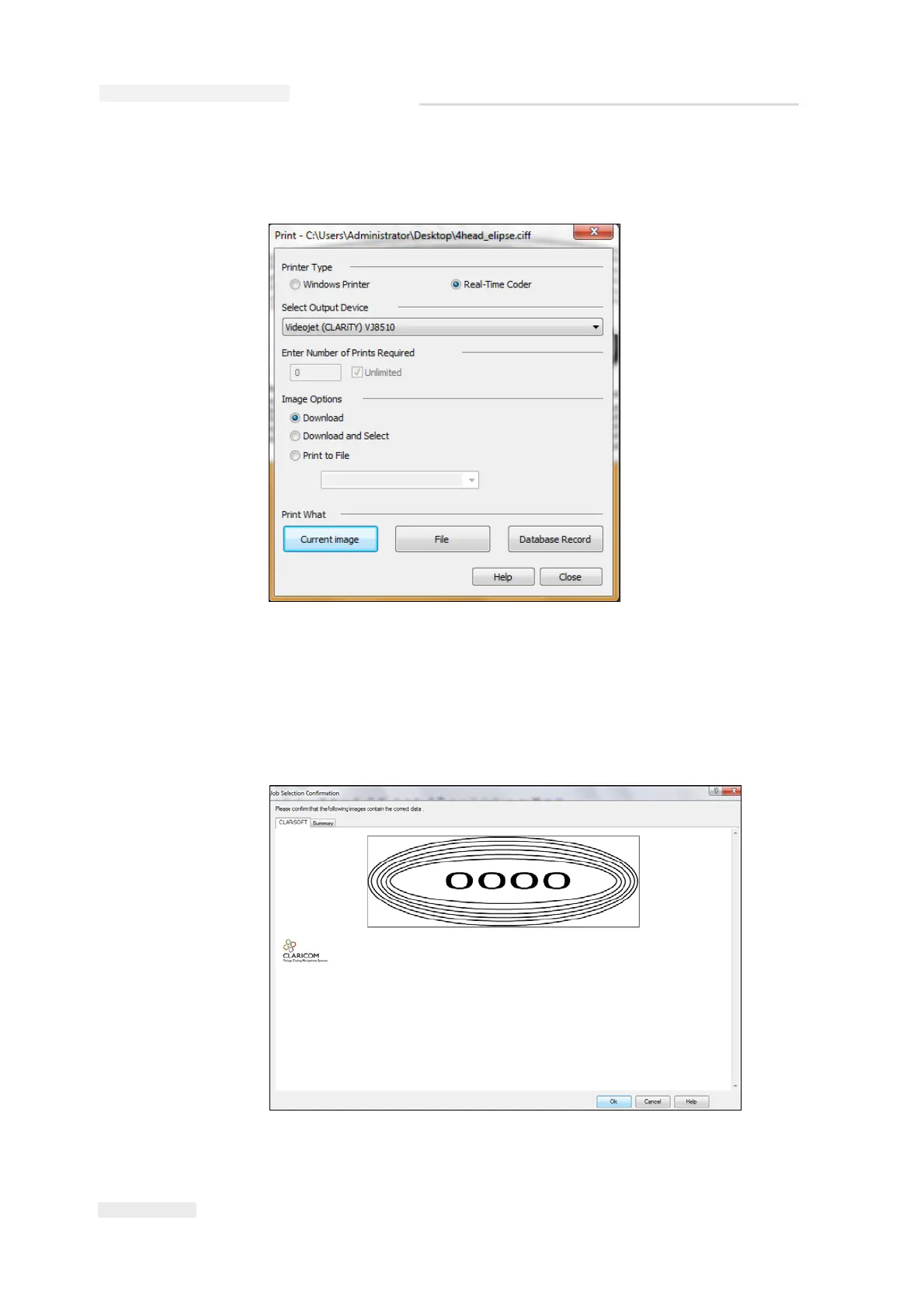
Note: For example, C:\Users\Administrator\Desktop\4head_elipse.ciff,
appears on the Title Bar in the Print window.
3 Click the Current Image button. When CLARiSOFT connects to the
printer, a status box appears.
Once the communication is complete, a 'Print Preview' of the Job
appears (see Figure 6-4).
Figure 6-3: Select Output Device
Figure 6-4: Print Preview of Job



 To Next Page