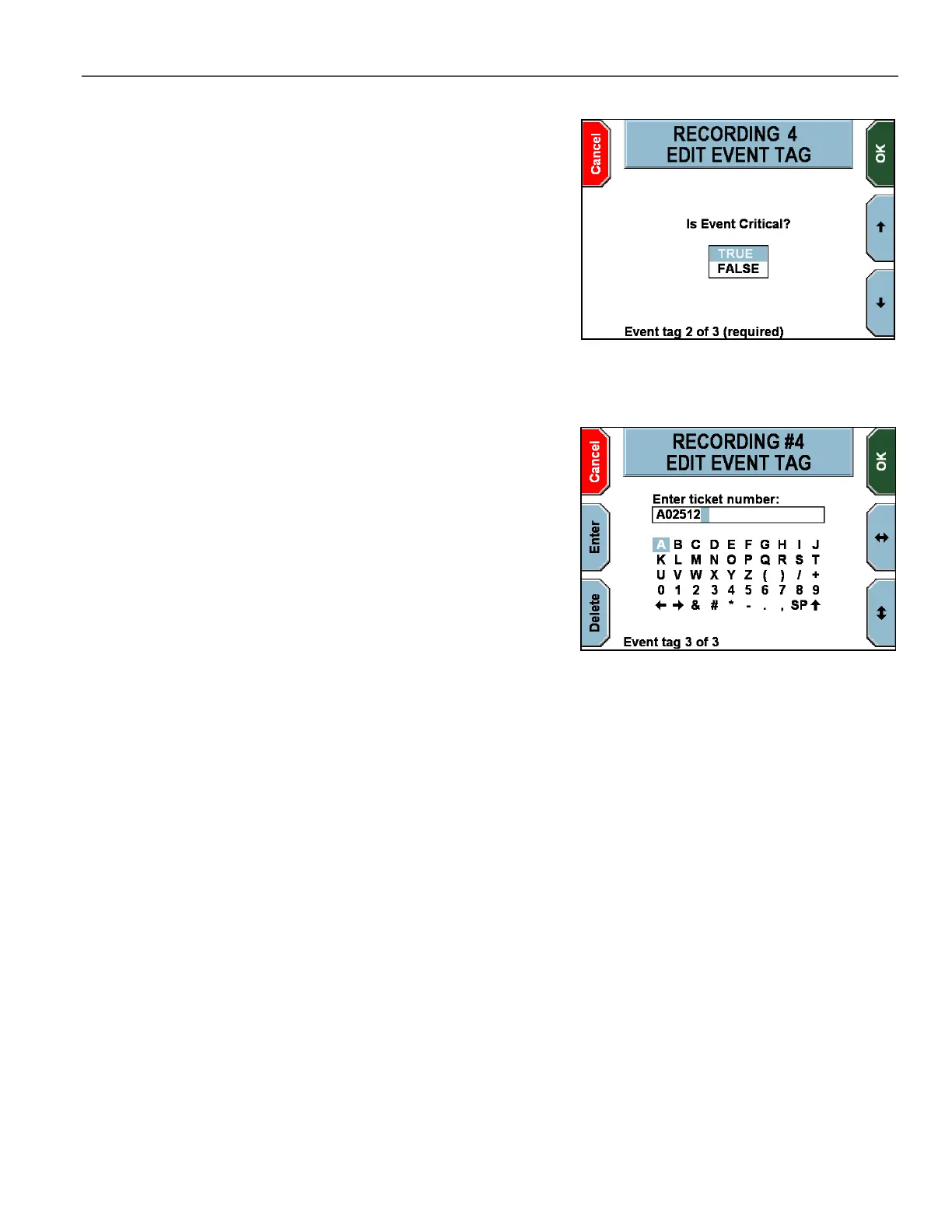
The next EDIT EVENT TAG screen is displayed.
On this example screen, the officer must press the and
keys to
highlight a new answer.
Press OK to advance to the next screen. If you press Cancel, the
modifications made on any previous screen(s) are still saved.
The next EDIT EVENT TAG screen is displayed.
To make a modification on this example screen, the officer must
press the and keys to navigate to the character(s) desired,
and then press Enter to select. To erase an undesired character,
press Delete.
Special characters are as follows:
SP – Space bar
– Uppercase/lowercase letters toggle
and arrows – Move the cursor left and right to allow
character insertion
Press OK. If you press Cancel, the modifications made on any
previous screen(s) are still saved. If there are more event tags
configured, the screen will advance to the next one, up to a maximum
of 6 event tags.



 To Next Page