A message saying Entering Maintenance Mode flashes on the
screen.
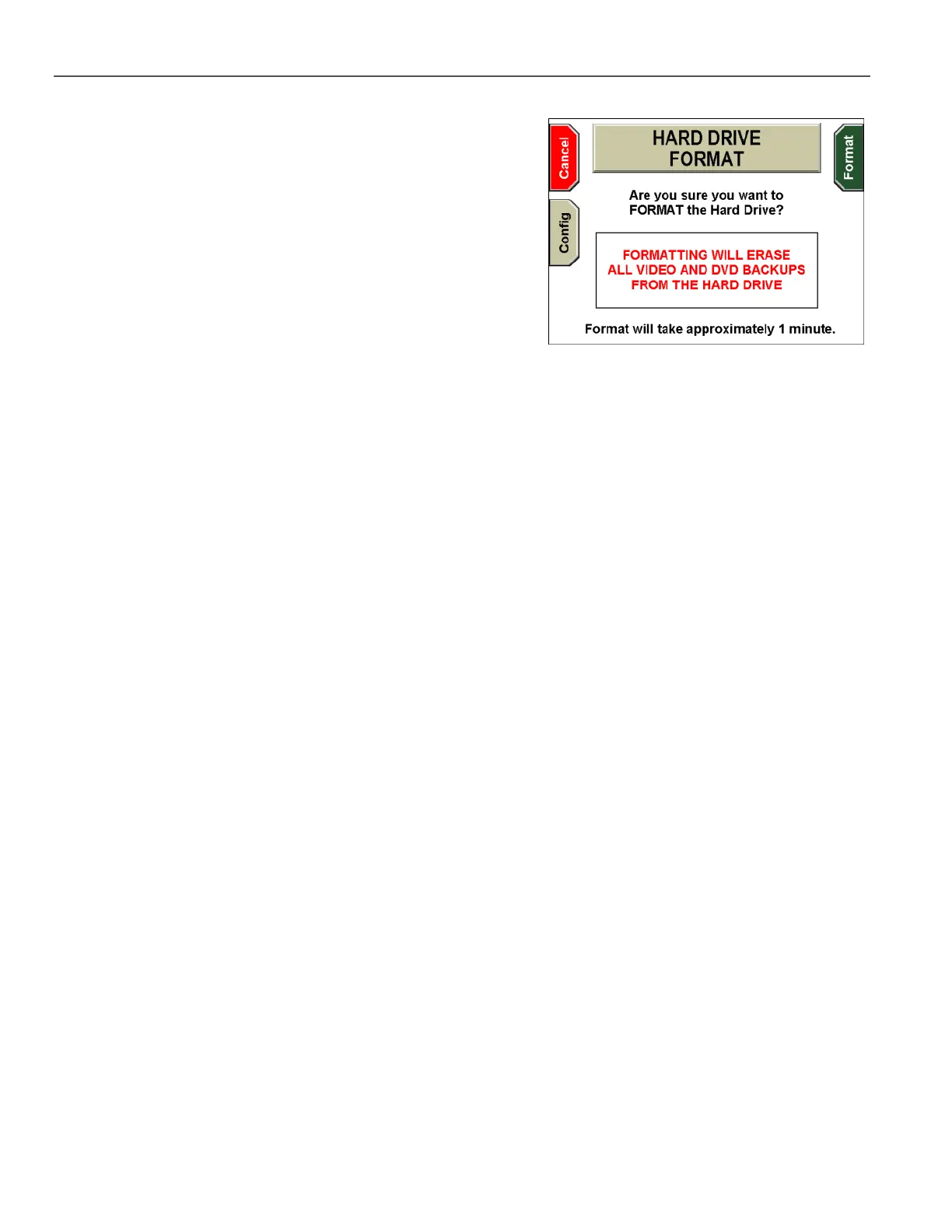
The HARD DRIVE FORMAT screen appears.
Press Format to continue, Config to format the hard drive to its
maximum capacity, or Cancel to exit without formatting.
If you cancel the operation, the HARD DRIVE MAINTENANCE
screen is displayed again. You must press Reset to exit the
screen, and the system then reboots.



 To Next Page