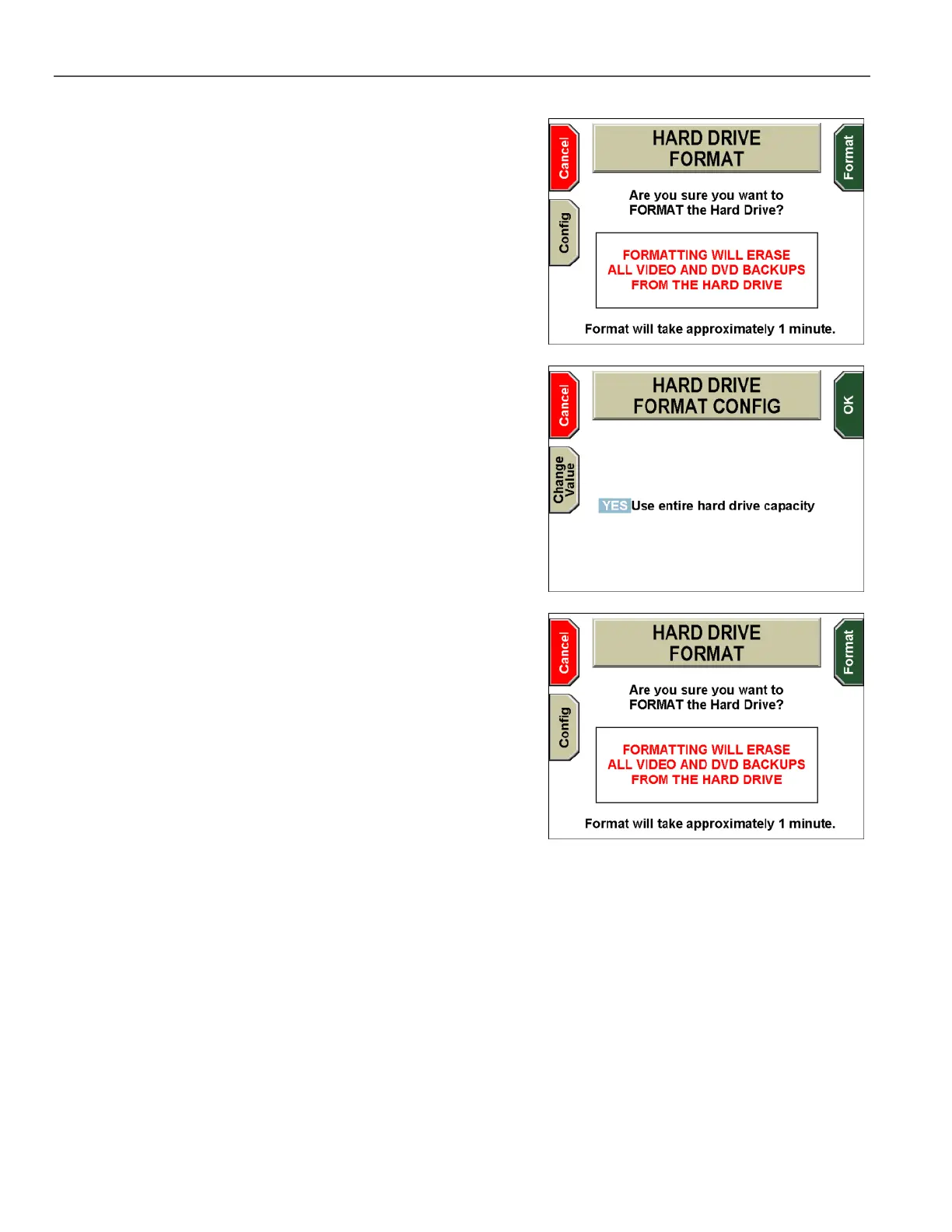
The HARD DRIVE FORMAT CONFIG screen is displayed.
Press the Change Value key to select YES Use entire hard
drive capacity.
Press OK to return to the HARD DRIVE FORMAT screen, then
Format to format the hard drive to use its entire capacity.
If you cancel the operation, the HARD DRIVE MAINTENANCE
screen is displayed again. You must press Reset to exit the
screen, and the system then reboots.



 To Next Page