High volume levels for the LIVE (wireless) setting may result in
feedback between the speakers and the wireless microphone.
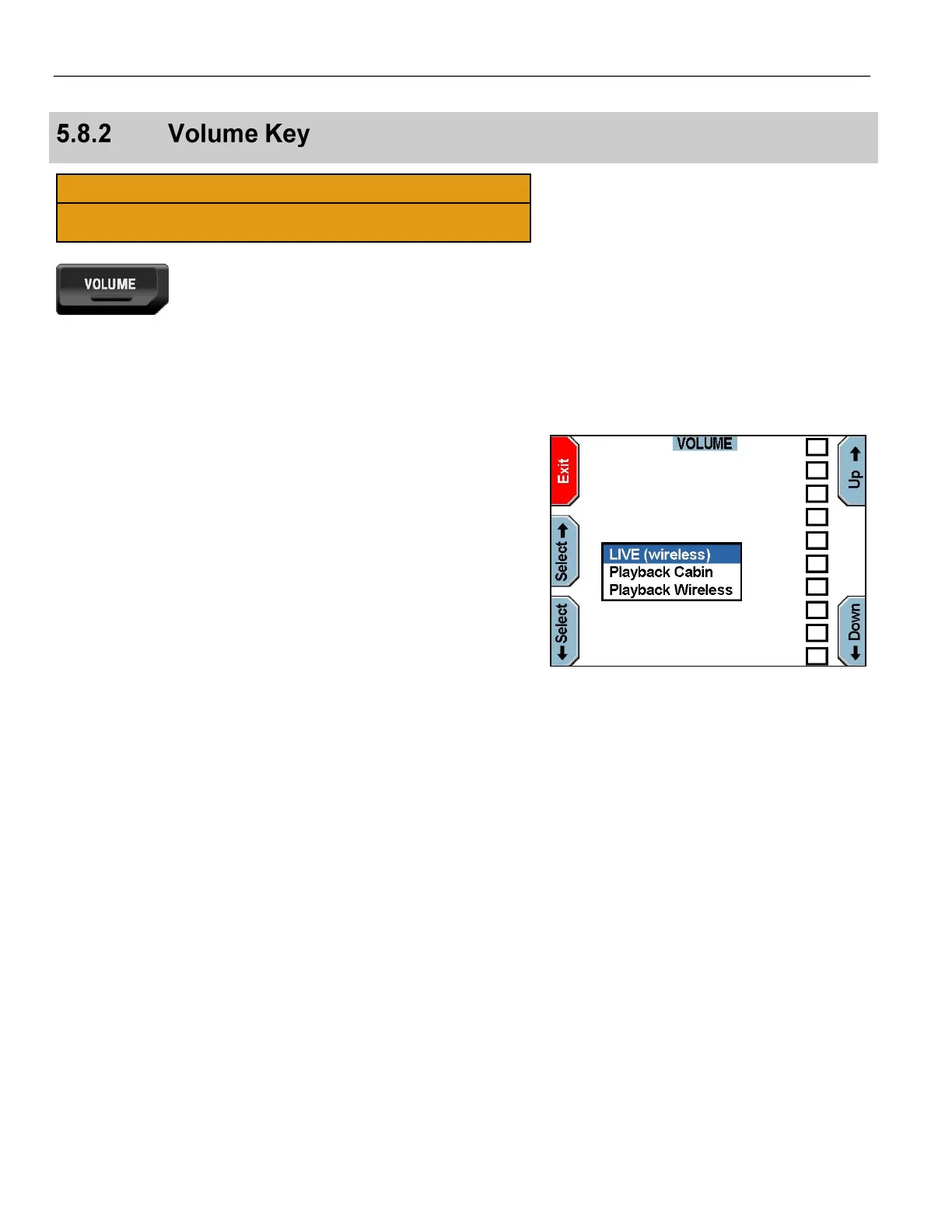
The VOLUME screen displays.
Press the Select & Select keys to choose between LIVE
(wireless), Playback Cabin, or Playback Wireless.
Press the Up & Down keys to set the volume level for one or
more of the following selected items:
LIVE (wireless) – Adjusts live feedback from the wireless
microphone. This allows someone in the vehicle to monitor a live
conversation transmitting from the wireless microphone. This
should normally be set to the minimum.
Playback Cabin – Adjusts volume of the cabin microphone
when reviewing recorded video. Does not affect microphone
sensitivity
Playback Wireless – Adjusts volume of the wireless
microphone when reviewing recorded video.
Press Exit when finished.



 To Next Page