MANAGE SUPERVISOR PASSWORDS SUPERVISOR/ADMINISTRATOR FUNCTIONS
88
Supervisor PIN numbers (passwords) can only be added, edited,
and deleted by someone with an Administrator PIN number. There
is only ONE Administrator PIN per agency. Contact WatchGuard
Video for your Administrator PIN.
Indicates Administrator PIN required.
Unique PIN numbers can be set up for each Supervisor. Prior to
setting up a Supervisor with a PIN number, you must first add the
Supervisor as an Officer. See Manage Officer Names on page 26 for
further details.
Any Supervisor PIN number can be used to access restricted
screens regardless of the active officer name. There is no need to
change the active officer to the Supervisor name. This allows a
Supervisor to gain quick access to assist a non-Supervisor officer.
Press MENU > SUPERVISOR MENU > Manage
Supervisor Passwords.
If you have not previously logged in as Supervisor, or if you have
exited the Main Menu after being logged in as Supervisor, the
system asks for a Supervisor PIN number first. The system then
asks for an Administrator PIN each time the SUPERVISOR
PASSWORDS screen is accessed. See Supervisor and
Administrator Login on page 78 for login instructions.
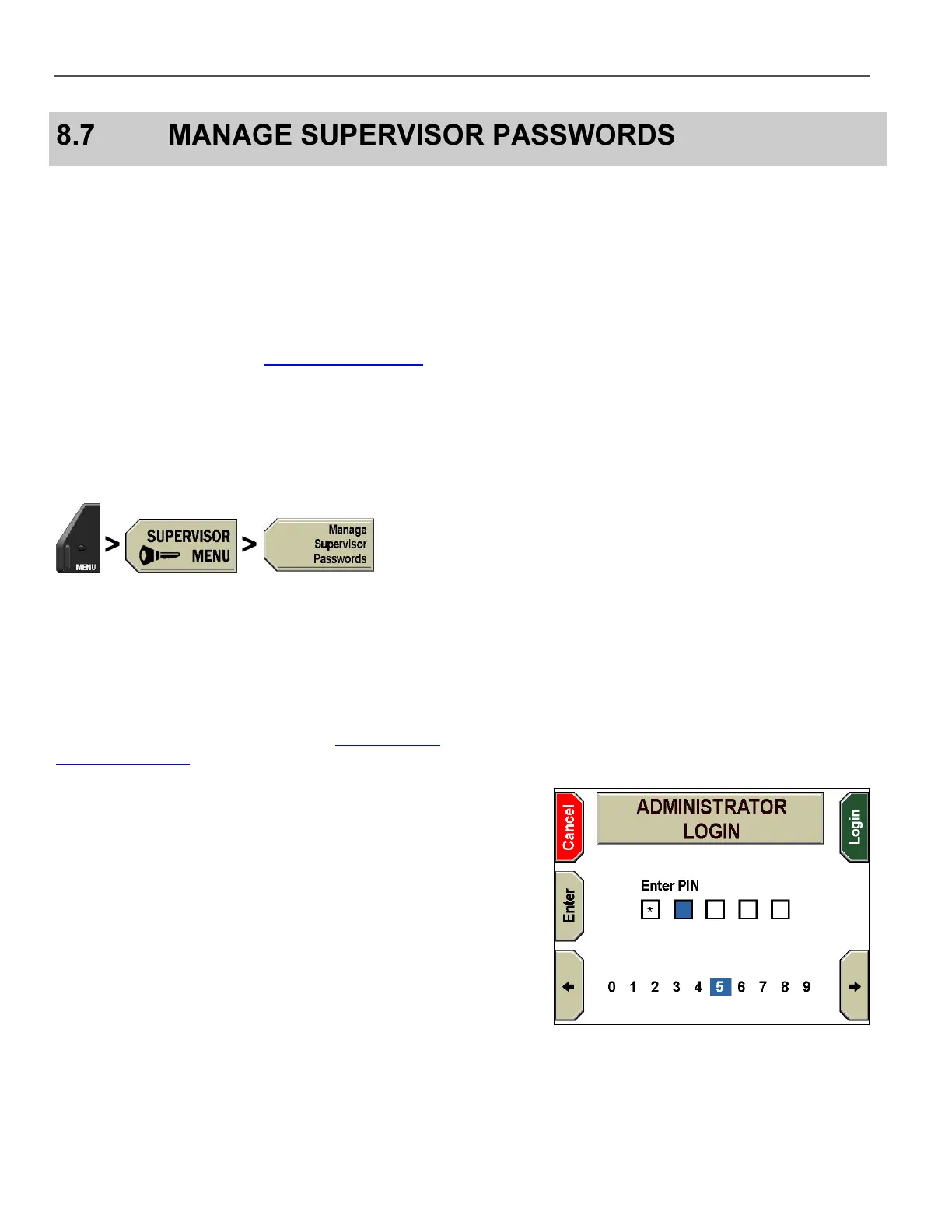
The ADMINISTRATOR LOGIN screen is displayed.
Press the and keys to navigate to the correct number, and then
press Enter to select each number. If you enter an incorrect
number, Invalid PIN is displayed and you must start over again.
Press Cancel before the fifth number is entered to exit without
logging in. The Login key is automatically pressed when the fifth
number is selected.



 To Next Page