EVENT TAGS FLEET MANAGER UTILITY
98
Once the DV-1 is configured with the event tags and a recording is
ended using the STOP/QUIT key, the first event tag screen is
displayed. A maximum of 6 event tags can be configured.
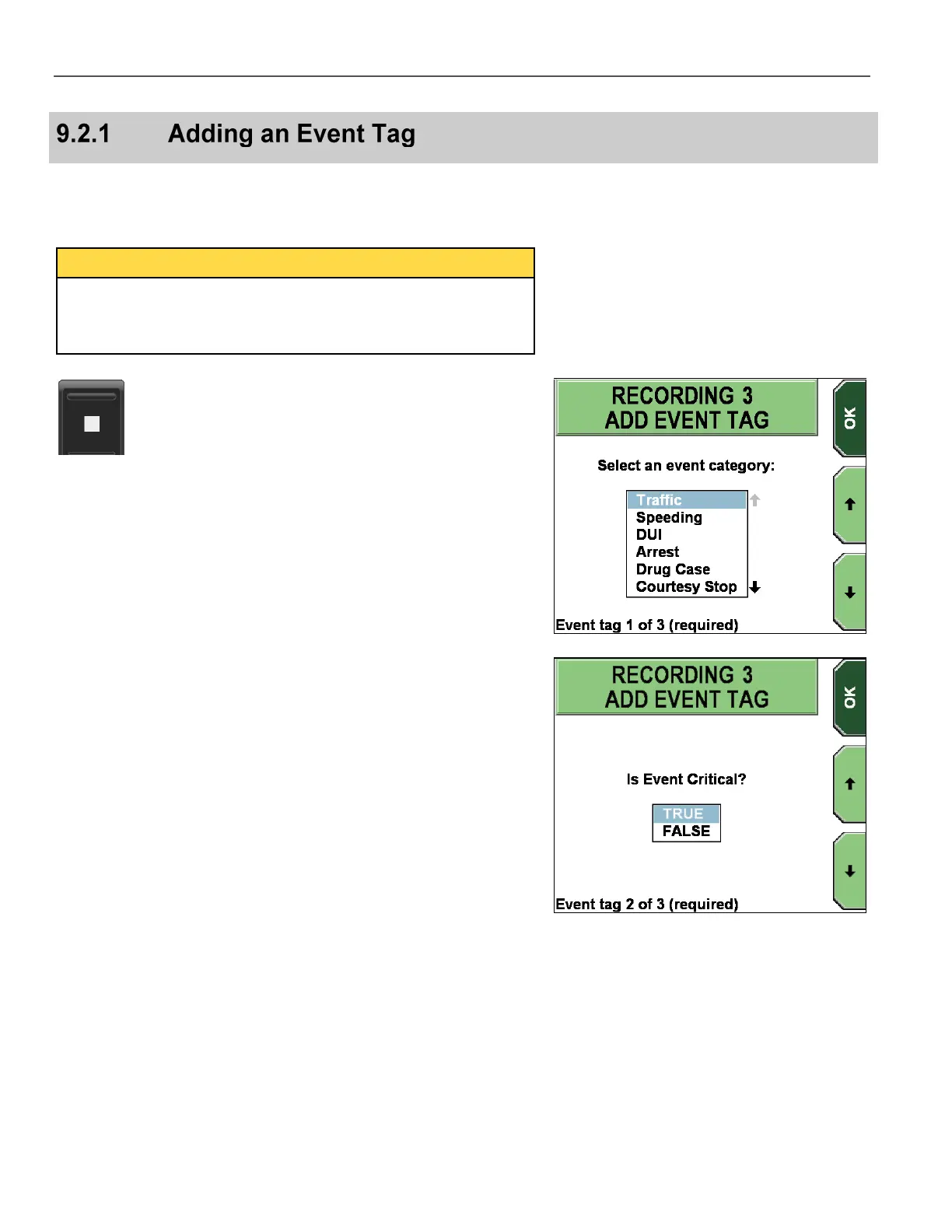
Actual event tag prompts will vary, but the basic navigation through
the screens is the same. The following example has 3 event tag
screens. The first two answers are required, and the last one is
optional.
Press the STOP/QUIT key to end the recording.
The first ADD EVENT TAG screen is displayed.
On this example screen, the officer must press the and
keys to
highlight an event category.
Press OK to advance to the next screen.
The next ADD EVENT TAG screen is displayed.
On this example screen, the officer must press the and
keys to
highlight TRUE or FALSE.
Press OK to advance to the next screen.



 To Next Page