3-34 Preparing the Detector
contain inaccuracies because of possible UV light interference (second
order effects).
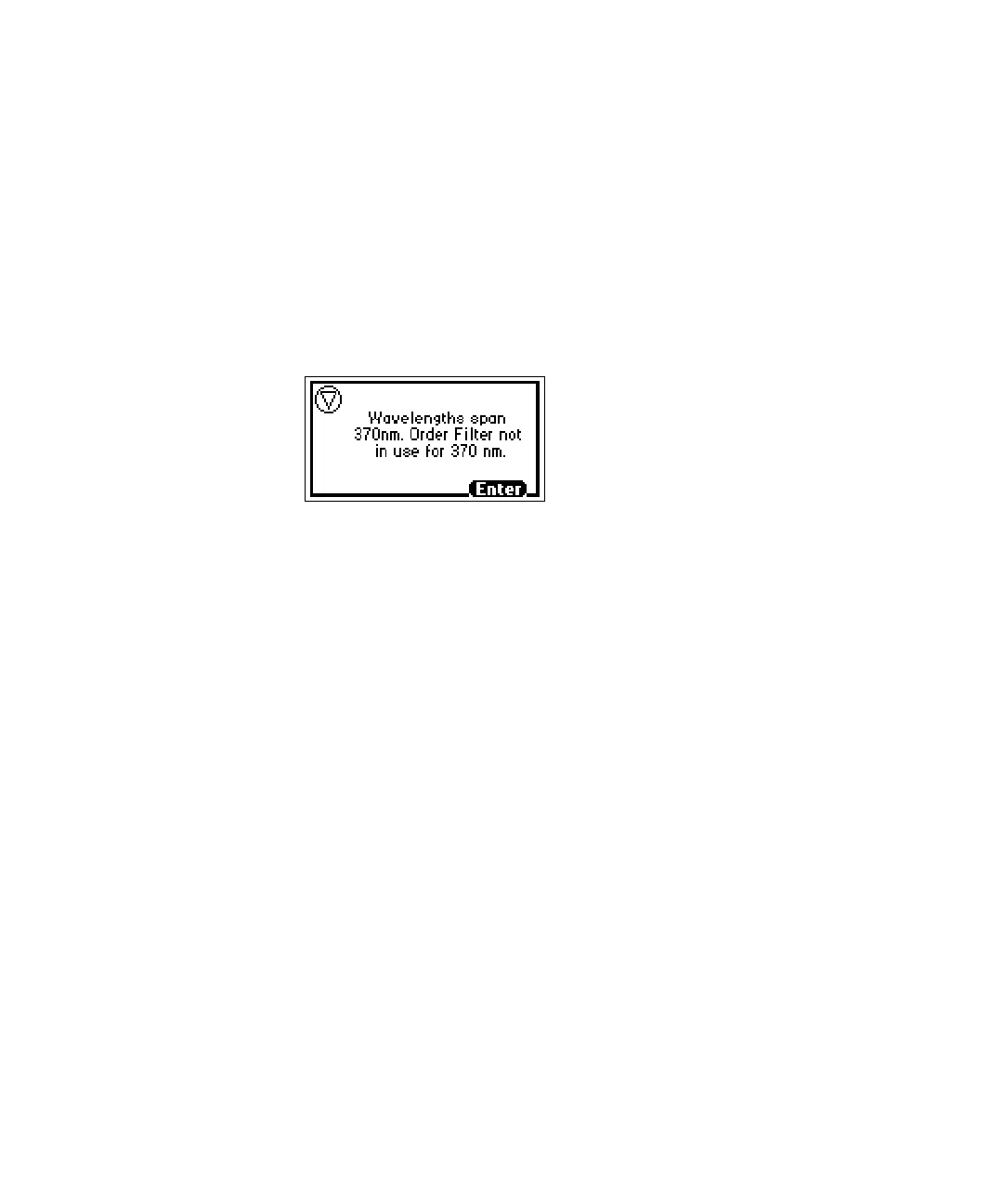
Recommendation: When in dual wavelength mode, select a wavelength pair
either below or above 370 nm. If one or both of the selected wavelengths spans
the 370 nm threshold, the detector beeps three times and issues the warning
message shown in the figure below. Because of possible UV light interference
(second order effects), you may observe additional peaks and inaccurate peak
areas.
Dual wavelength 370 nm threshold warning message
Obtaining a RatioPlot
The RatioPlot output, on one channel only (channel A), depends on the entries
you make in the minimum ratio and maximum ratio parameters on
absorbance screen 5. You must be operating the detector in dual wavelength
mode to obtain a ratio plot. The RatioPlot provides a plot of the ratio of the
absorbances of two wavelengths from 0 V to 2 V. The minimum and maximum
ratio parameters are measured ratio units, not absorbances. See “Primary and
secondary functions” on page 3-14, for a complete explanation of the RatioPlot
function.
To obtain a RatioPlot:
1. Be sure the detector is operating in dual wavelength mode (see the
previous discussion “Changing from single to dual wavelength mode” on
page 3-33).
2. From the absorbance screen, press Next to reach screen 3 of 5 (Figure
“Secondary functions of the absorbance screen” on page 3-18).
3. In the Data out field, press 8, ratio A/B.
4. Press Enter to select the ratio plot.
5. Press Next until you reach screen 5 of 5.



 To Next Page