5-14 Error Messages, Diagnostic Tests, and Troubleshooting
This diagnostic test sets the voltages on the analog output channels based on
the current AUFS setting. This is a sticky diagnostic test.
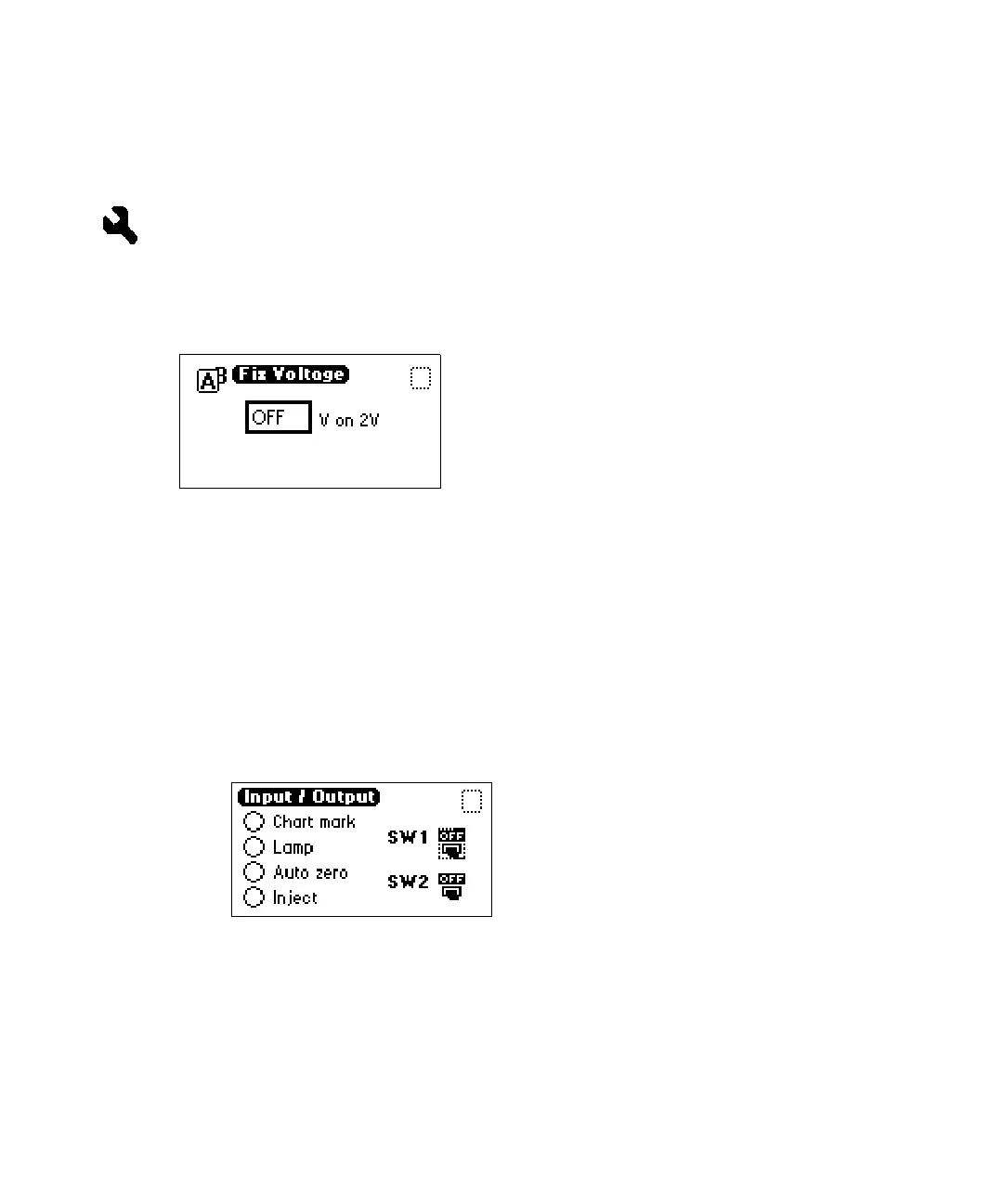
Setting fixed voltage output
From the Input & Output choice list, press 3 (Fix voltage) to select a voltage
for the analog output. You may select a voltage for both output channels in the
–0.10 V to +2.10 V range.
Fix Voltage diagnostic display
The voltage is driven on the selected analog channel (A or B). This is a sticky
diagnostic.
To monitor contact closures and setting switches:
1. From the Input & Output choice list, press 4 (Contact closures & events)
to monitor the four contact closure inputs and to control the two switch
outputs.
Contact closures & events diagnostic display
The Input & Output diagnostic test allows real-time monitoring of the
state of the contact closure inputs. A solid (filled in) circle indicates the
contact closure is closed (ON = High). An open (empty) circle indicates
the contact closure is open (OFF = Low).



 To Next Page