Using the operator interface 3-43
3. If you press Enter:
• All timed events are deleted.
• All threshold events are disabled.
• All other operating parameters of the method (λ, AUFS, etc.) are set
to defaults.
If you press Cancel (Shift 0), the display returns to the Method choice
list.
Recommendation: To prevent loss of the current conditions, store them
in one of the available storage slots before you clear the method. After
clearing the storage slots, you can restore the previous conditions.
4. Press 4, Store method, and enter a storage location number.
To clear other stored methods, repeat this step until you have cleared all
desired methods.
5. When you return to the absorbance screen by pressing HOME, the
method number icon displays an asterisk.
Clearing events
You can clear only timed or threshold events without resetting any other
operating parameters.
To clear all active timed or threshold events:
1. Return to the Method choice list by pressing METHOD (Shift A/B).
2. Press 6, Clear events.
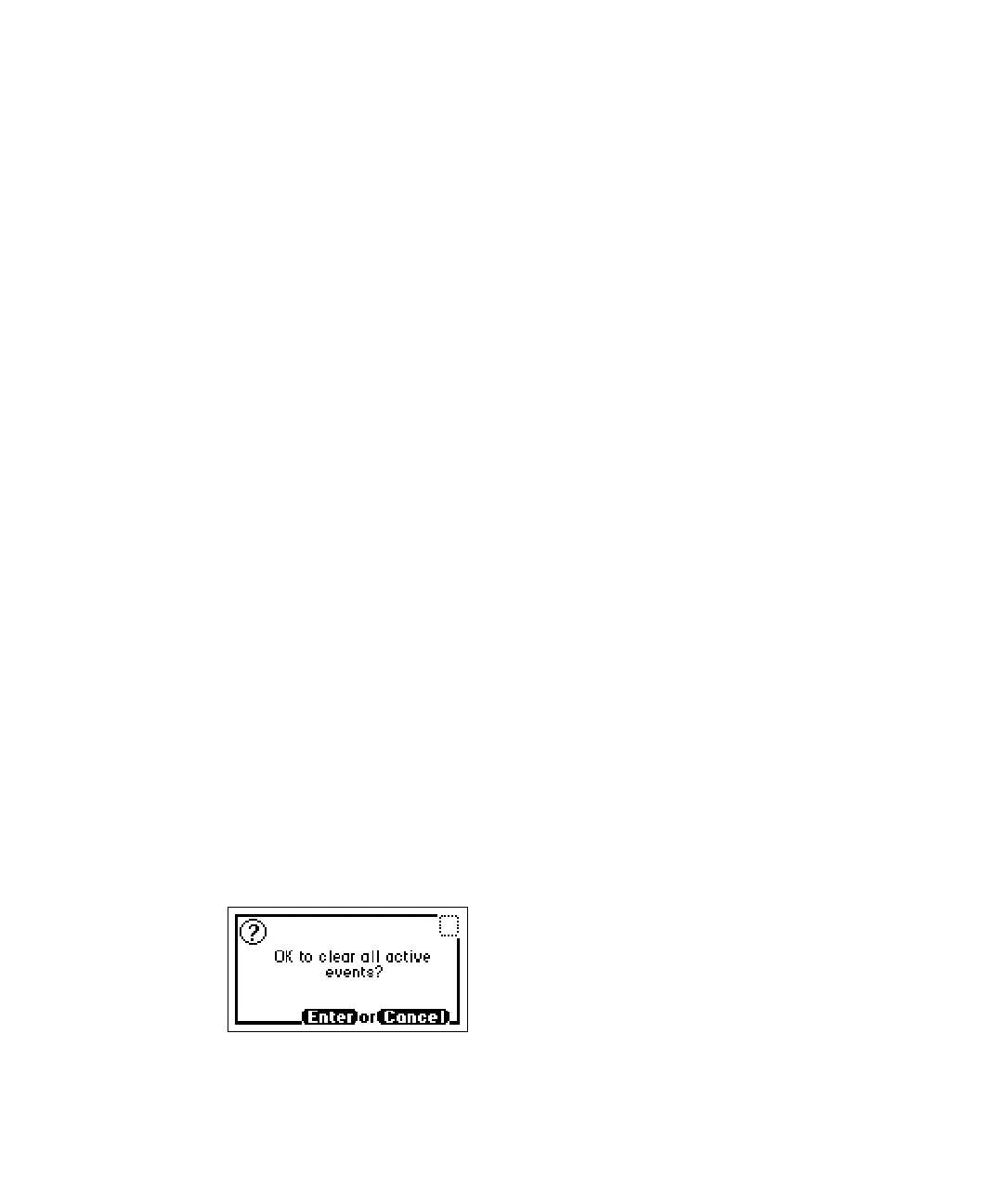
A message screen appears asking whetheryou agree to clear all active
events.
Clear events message



 To Next Page