2-12 Installing the Detector
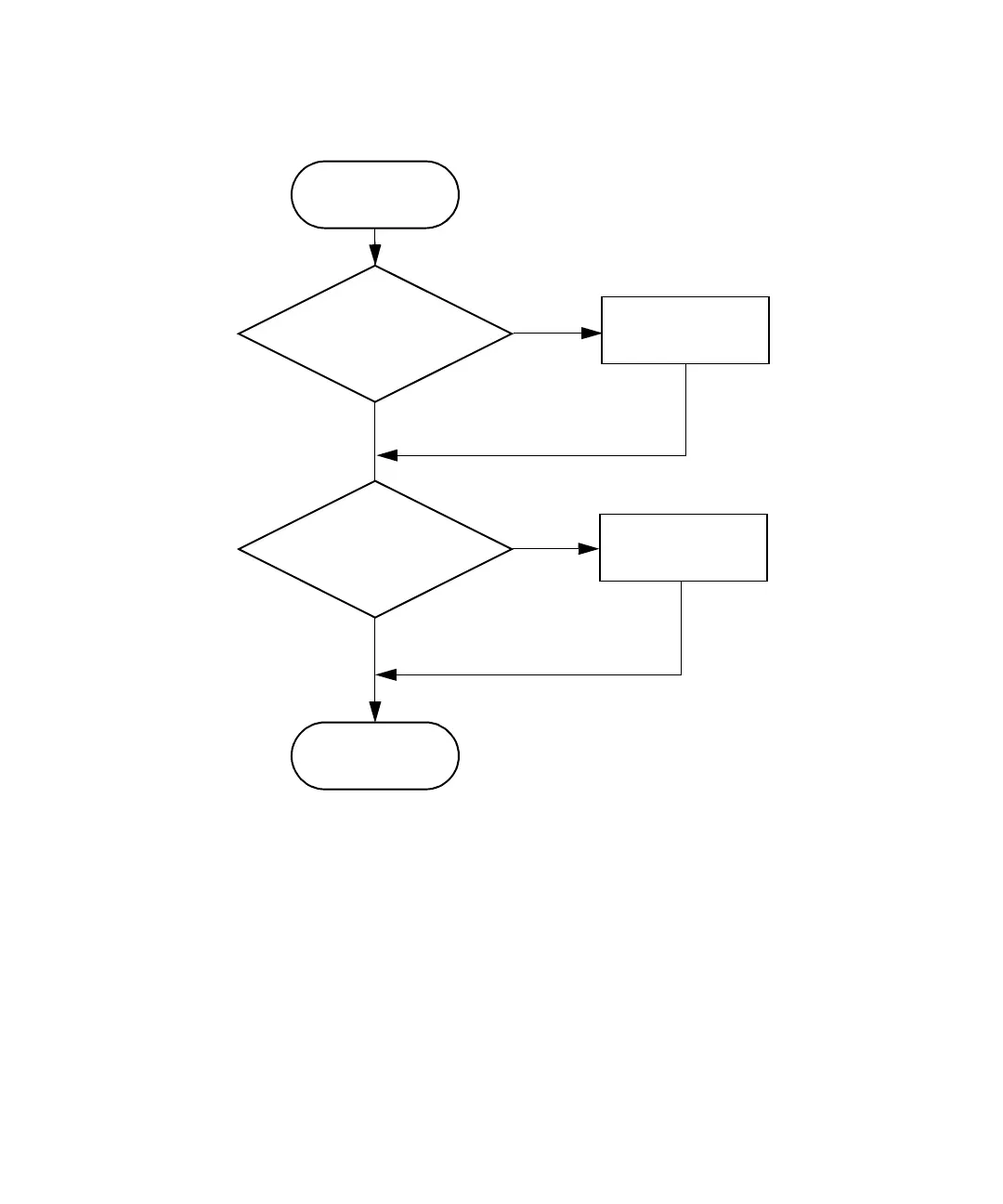
Overview of making signal connections
Making I/O signal connections
The rear panel includes two removable connectors that hold the pins for the
I/O signals, as shown in the figure below. These connectors are keyed so that
you can insert them one way only.
Yes
Signal connections
complete
No
Yes
Connect to other devices?
Install event and I/O
cable(s)
Install Ethernet
and inject start cables
No
Connect to Ethernet bus?
Start signal
connection procedure



 To Next Page