3-52 Preparing the Detector
Running the sample scan
Recommendation: Run the zero scan before running the sample scan. To
ensure identical flow cell and solvent conditions, you should run the sample
scan for the corresponding zero scan within 15 minutes of running the zero
scan.
To run a sample scan:
1. Set up the zero (or reference) scan by following the steps in the zero scan
procedure given earlier.
2. When you are ready to run the sample scan, return to the first New scan
screen and press 1, Sample Scan.
The parameters for wavelength range, AUFS, Pace, and Mark
(tickmark) you entered for the corresponding zero scan appear.
3. Press Next to advance to the second sample scan screen. If desired, you
may change the entries in the AUFS and Mark each fields.
4. Press Next to advance to the third sample scan screen, then press Run to
run the sample scan.
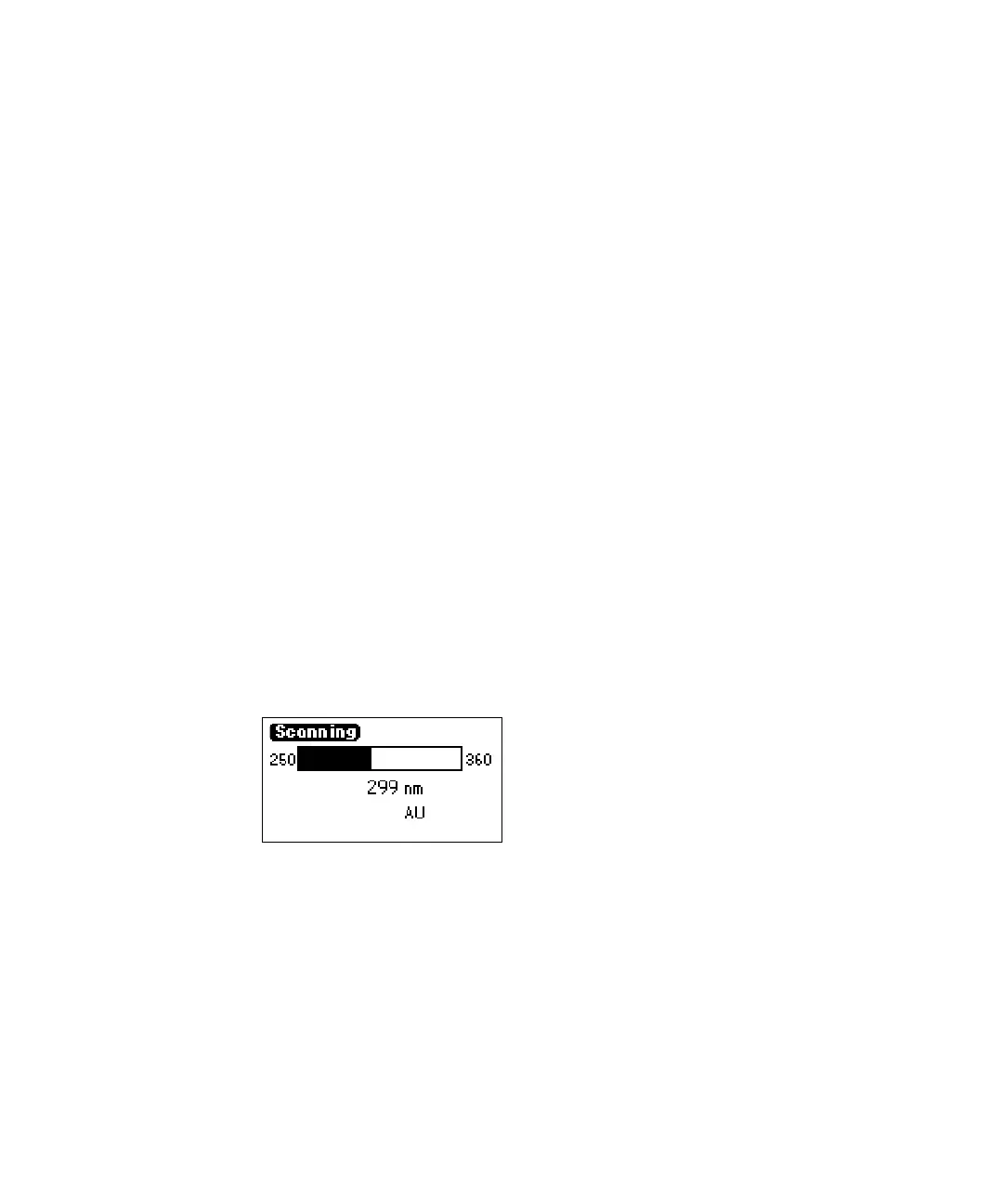
A brief message (“Initializing”) appears. The Scanning screen shows the
progress of the scan in nanometers across a progress bar.
Scanning progress bar
• For a zero scan, instantaneous energy in nanoamps (nA) appears on
the Scanning screen.
• For a sample scan, absorbance in absorbance units (AU) appears.
• After a brief pause, the detector displays a sample scan graphically.
0.6356



 To Next Page