Scanning spectra 3-53
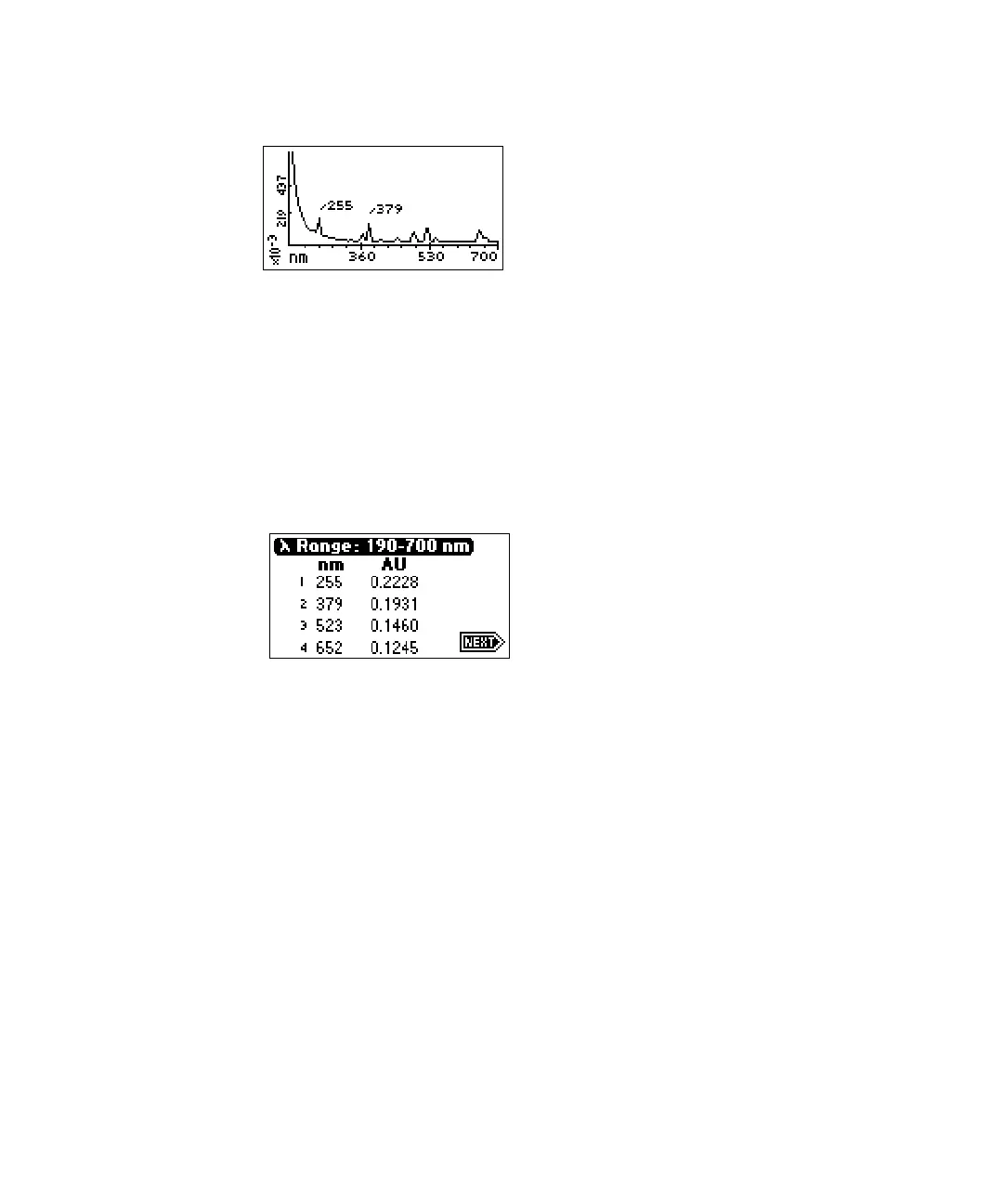
Sample erbium scan graphical display
Tip: To return to the Scan choice list at the completion of the sample
scan, press SCAN (Shift Chart Mark).
5. Press Next to display up to four highest peaks scanned (if four are found)
within the specified range. The figure below shows the display of the
four highest peaks for the sample erbium scan shown in the graphical
display (see above).
Sample erbium scan four highest peaks
6. Press Next to return to the graphical display.
7. Press Scale (Shift TRACE) to change the scale (zoom in on one part) of
the display. You can alter the following four scaling parameters:
• λ1 – minimum wavelength displayed.
• λ2 – maximum wavelength displayed.
• AU1 – minimum absorbance displayed. The default is auto.
• AU2 – maximum absorbance displayed. The default is auto.
This function allows you to zoom in on various sections (artifacts) of the
spectrum. The scale of the spectrum is affected by the AUFS setting.
8. Press Next to advance through the four scaling parameters. The figure
below shows the sample scanned in the figure on page 3-53. The sample
has been scaled by changing the wavelength parameters to 225 and 600
nm.



 To Next Page