Using the operator interface 3-39
Tip:
• If the detector is under the control of the Waters 717plus
Autosampler or another external device, the Inject Start
programmed from that device runs the method.
• If you are working in real time under current conditions (method *),
at a power failure or shutdown you lose all timed or threshold
events if you do not store them as a method. See “Storing a method”
on page 3-40.
Threshold events
You can program threshold events on both channel A and channel B to control
the switch contact closure outputs, for example, when using a fraction
collector. You can program the switch to change when the programmed output
(absorbance, ratio, energy, etc.) on the detector channel A or B is above a
specified threshold. Below the specified threshold, the switch is set as shown
in table below.
To define the pulse period or the frequency of a wave, see “Configuring the
detector” on page 3-22.
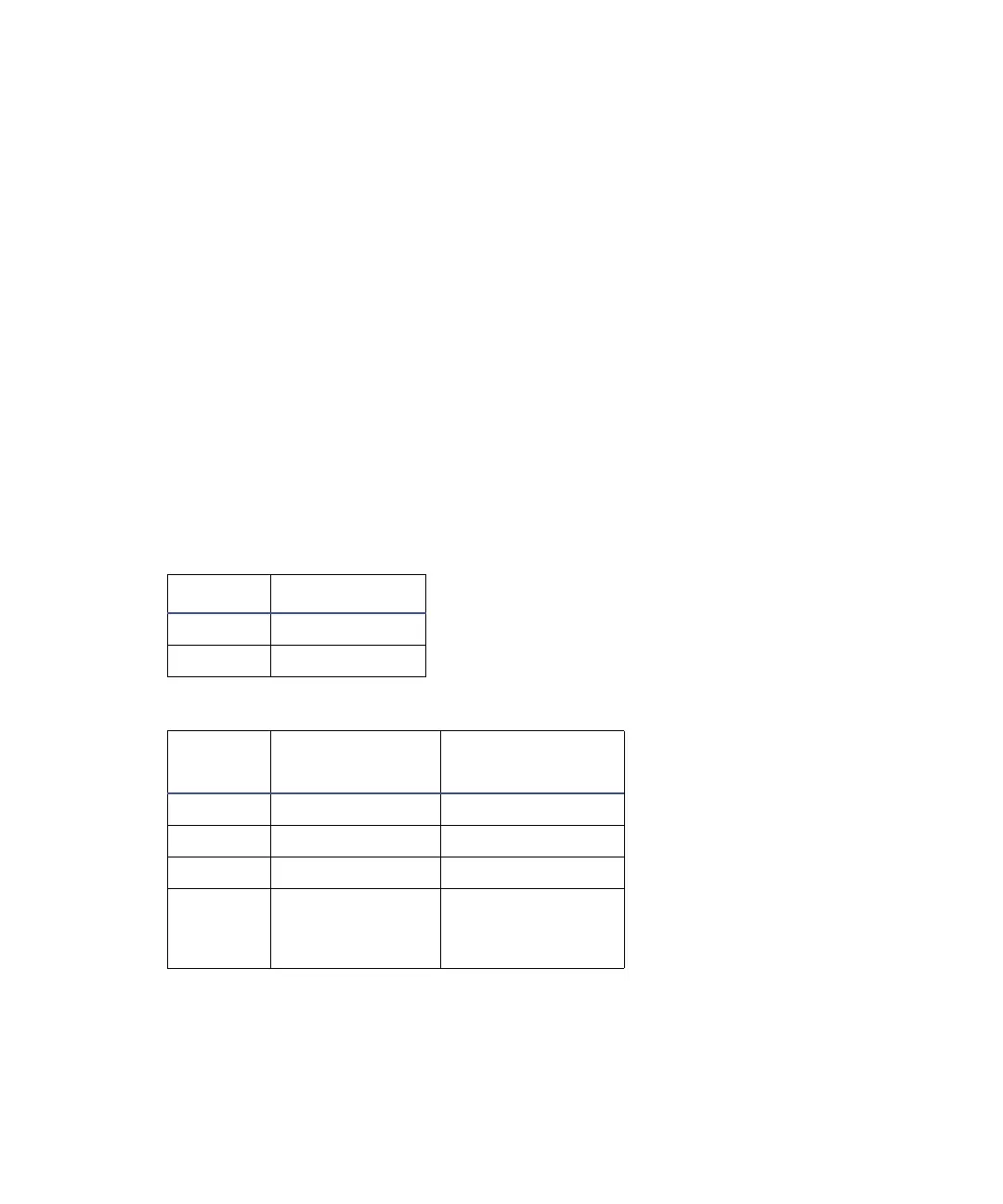
Threshold events “Set” parameters
Number Event
1Set switch 1
2Set switch 2
Threshold events “To” parameters
Number Set To
Below Threshold
Switch State
1On Off
2Off On
3Pulse Off
4Rect wave
(rectangular
wave)
Off



 To Next Page