Error messages 5-5
Error messages preventing operation
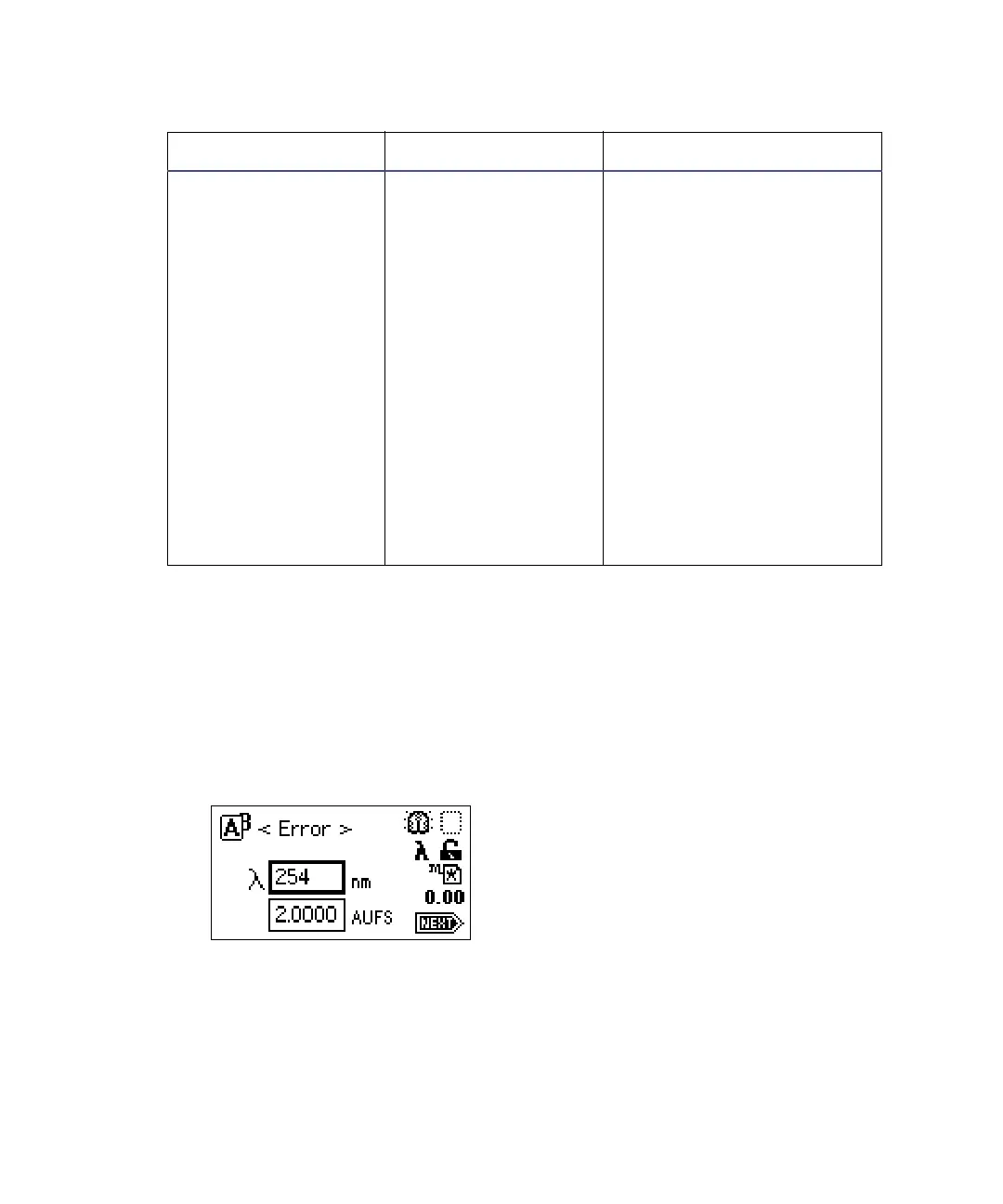
During initialization, calibration, and operation, the detector may display the
word <Error> on the absorbance screen. An error of this type is usually fatal,
preventing further operation of the detector and suspending the absorbance
display. Absorbance output is halted.
Error display on the absorbance screen
When you encounter a fatal error, ensure that
• there is no cuvette in the cuvette holder, and the empty cuvette holder is
securely in place.
• the flow cell is clean.
Calibration differs: n
nm
At startup, the unit
performs a complete
verification, which
includes
remeasurement of all
calibration points.
New calibration
points are compared
to stored information
from the most recent
manual calibration.
If any one of the
points differs by more
than 1.0 nm, the
detector displays this
message.
1. Recycle power to the
detector.
2. Perform manual
calibration.
3. Contact Waters
Technical Service.
Startup, calibration, and operating error messages
Error Message Description Corrective Action



 To Next Page