User-selected diagnostic tests 5-17
Using the other detector diagnostic tests
The user diagnostic test display provides two additional features. You can:
• Generate test peaks – Use this diagnostic test to specify the generation
of test peaks to calibrate your chart recorder or data system.
• Manually override the optical filter – Use this diagnostic test to make a
filter selection different from the detector’s normal operating mode.
To operate either of these two diagnostic tests, press DIAG and then press 5
(Other diagnostics).
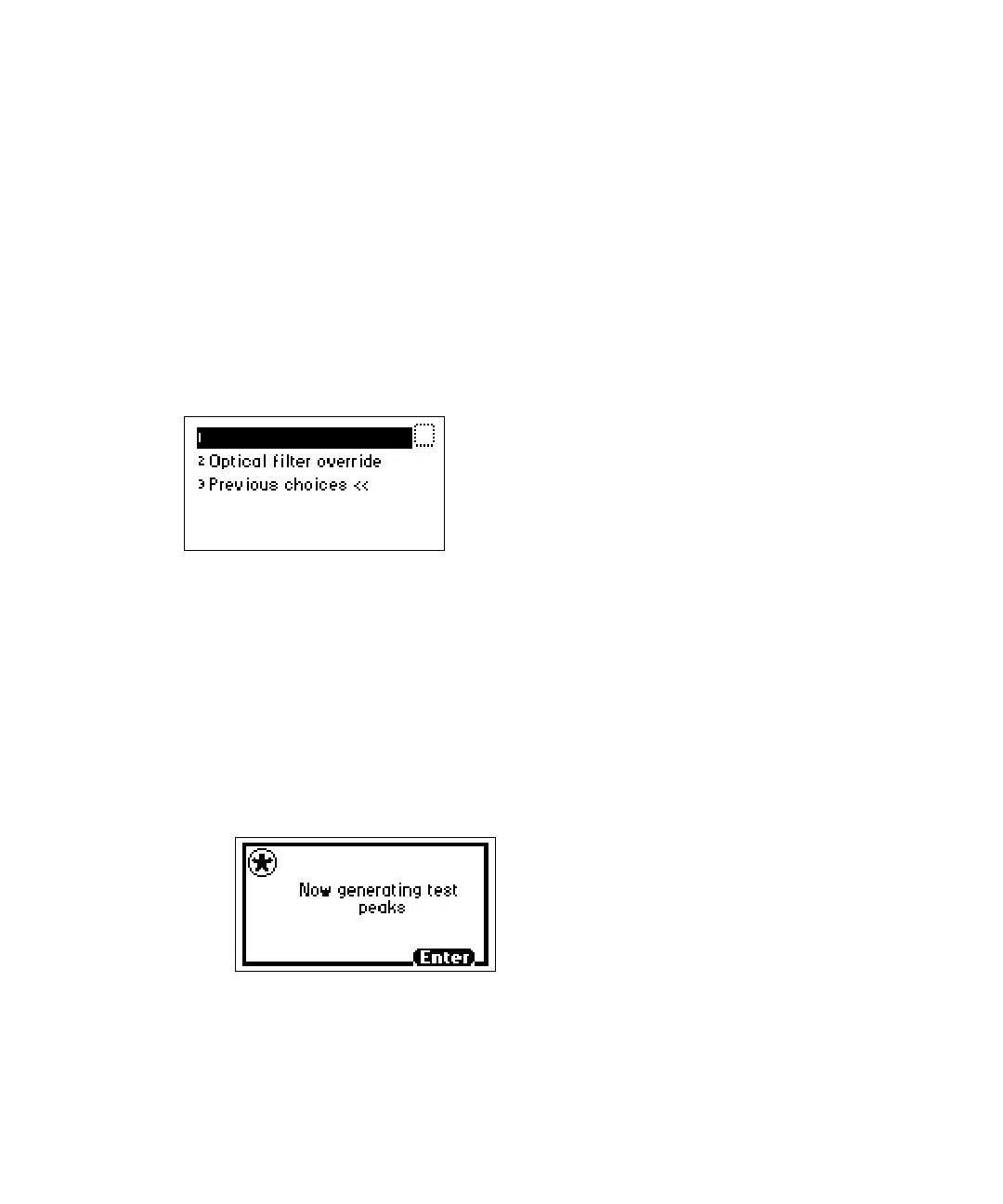
Other diagnostics choice list
To generate test peaks:
1. From the Other diagnostics choice list, press 1 (Generate test peaks) to
generate test peaks every 100 seconds on the chart, trace, or other
output. A message indicates that test peaks are being generated.
Restriction: The Generate test peaks diagnostic test works only in single
wavelength mode.
Generate test peaks diagnostic test
Every 100 seconds, the detector generates an approximate 1-AU peak
with a standard deviation of 10 seconds on the trace, chart, or data
system display until you disable the Generate test peaks diagnostic test.
Generate test peaks



 To Next Page