User-selected diagnostic tests 5-13
Input & output diagnostic test choice list
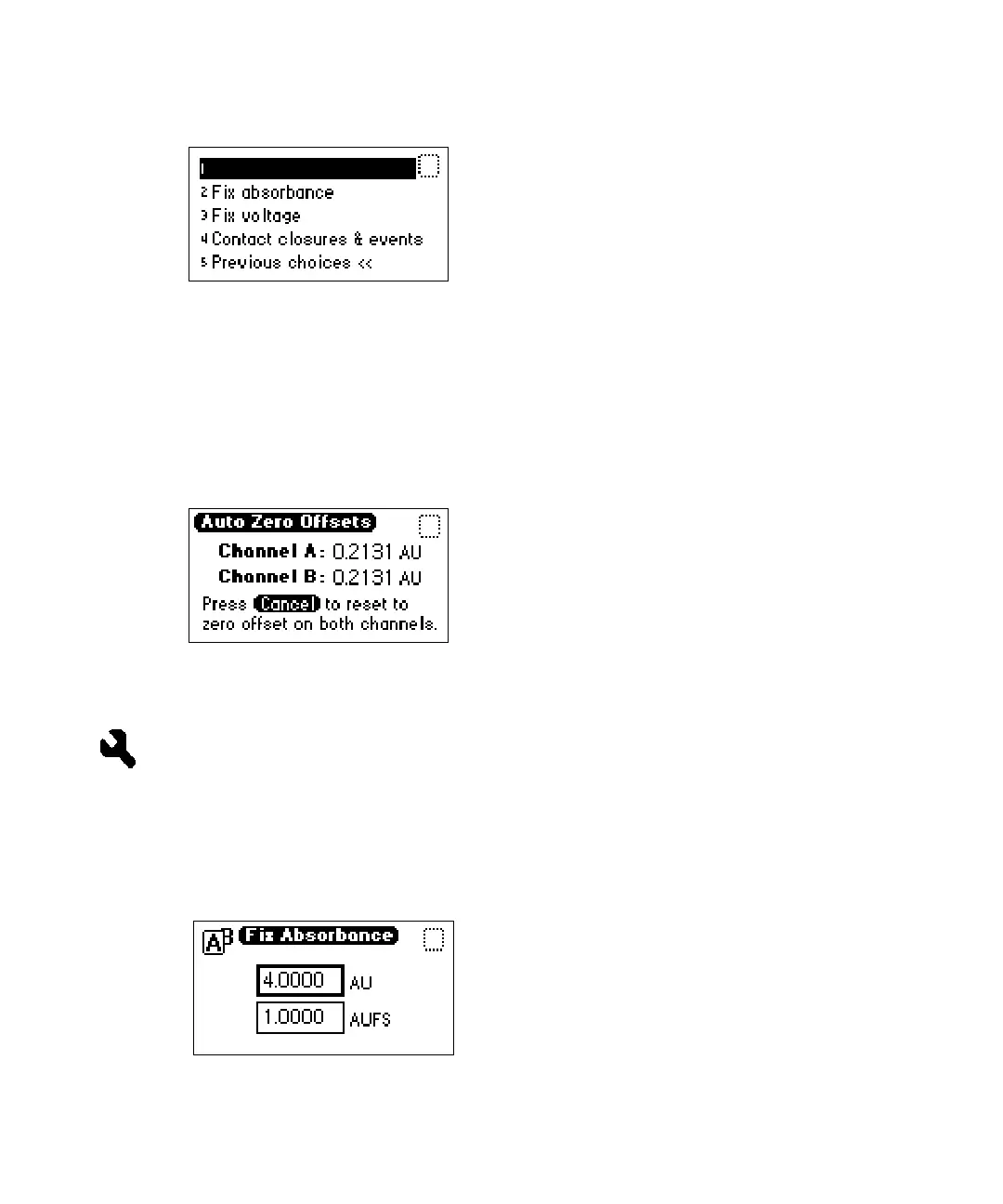
Displaying Auto Zero offsets
From the Input & Output choice list, press 1 (Auto zero offsets). This
diagnostic test also allows you to display and reset the offset to zero on both
channels by pressing Cancel (Shift 0).
Auto Zero Offsets diagnostic display
Setting fixed absorbance value
From the Input & Output choice list, press 2 (Fix absorbance) to set a fixed
absorbance value for channel A or channel B. The allowable range is from
–4.0000 AU to +4.0000 AU. For convenience, you may also specify sensitivity
(AUFS) using this diagnostic test. The allowable AUFS range is from +0.0001
to +4.0000 AUFS.
Fix Absorbance diagnostic display
Auto zero offsets



 To Next Page