3-22 Preparing the Detector
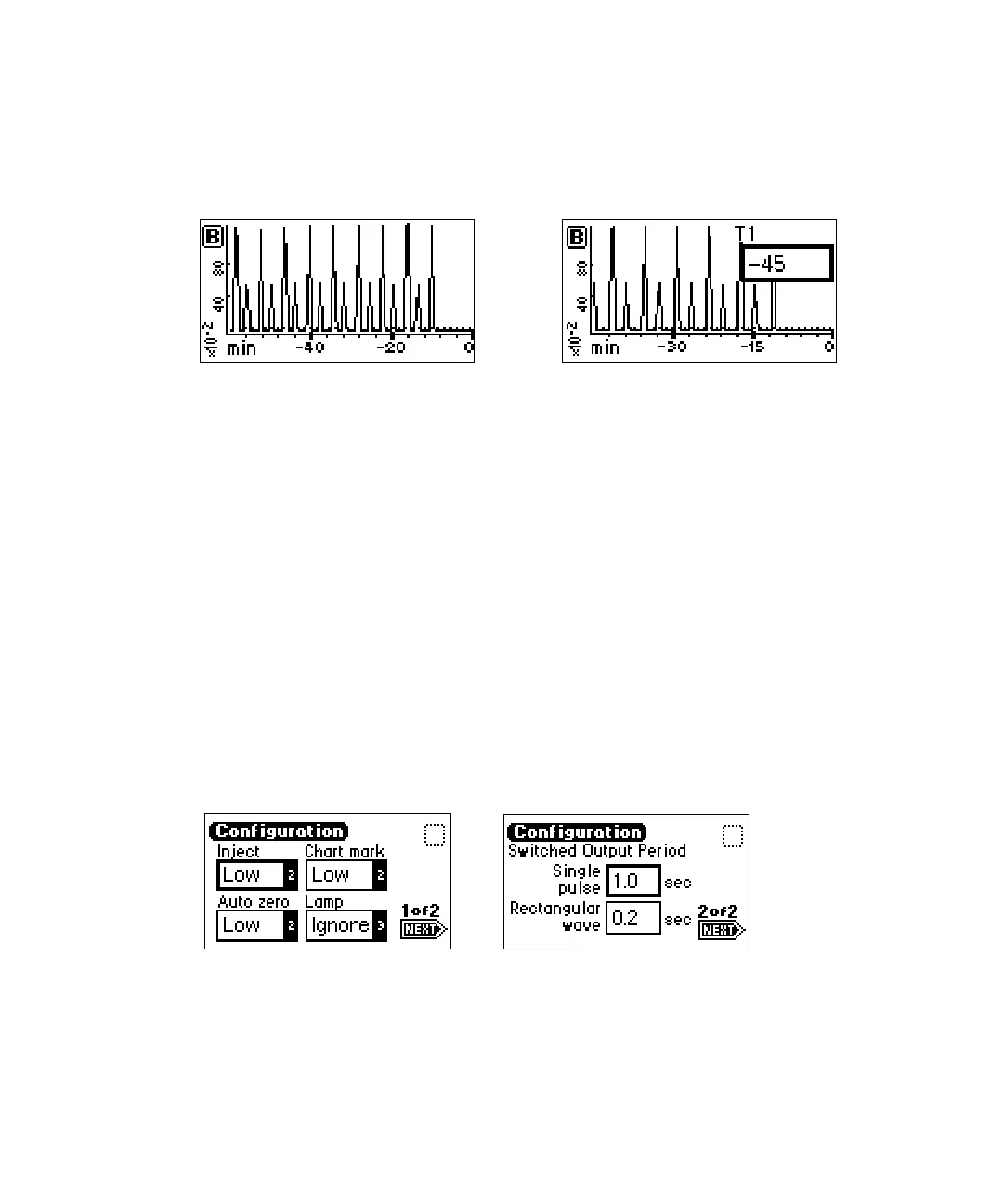
The figure below shows a 60-minute trace on channel B scaled to the last 45
minutes. T1 is changed to –45.
Scaled trace changing T1 to –45
As you modify the output using the Scale function, the Trace function
continues to display the detector output in real time on either or both
channels.
Operating other detector functions
Configuring the detector
To change default configurations, use the Configuration screens.
Press the CONFIGURE key (Shift DIAG). The first of two Configuration
screens appears (see figure below).
Tip: Other functions, such as specifying event inputs and enabling pulse
periods, are stored within the Configuration screens.
Configuration screens
Requirement: To prevent acquisition of incorrect data when operating the
detector in dual wavelength mode under the control of the Empower software
Configuration screen 2 of 2
Configuration screen 1 of 2



 To Next Page