3-42 Preparing the Detector
Viewing events within a method
To view timed and threshold events that make up a stored method:
1. Retrieve the method (see “Retrieving a method” on page 3-41). Once you
have entered the method number to retrieve, the Method choice list
appears with the method number displayed within the method number
icon.
2. Press 1 to view the timed events or 2 to view threshold events within the
displayed method.
If you make a change to a timed or threshold event within a method, the
asterisk appears (Method *) indicating that the method (*) is no longer
the same as the stored method you retrieved in step 1. You can then
store the method containing the altered event(s) in the same storage
slot.
Resetting a method
Resetting a stored method is a two-step process. First, you reset the current
conditions to the defaults; then you save the defaults in one of the storage
locations. The table on page 3-19 lists the parameter default settings.
To clear one or more methods:
1. Return to the Method choice list by pressing METHOD (Shift A/B).
2. Press 5, Reset method *.
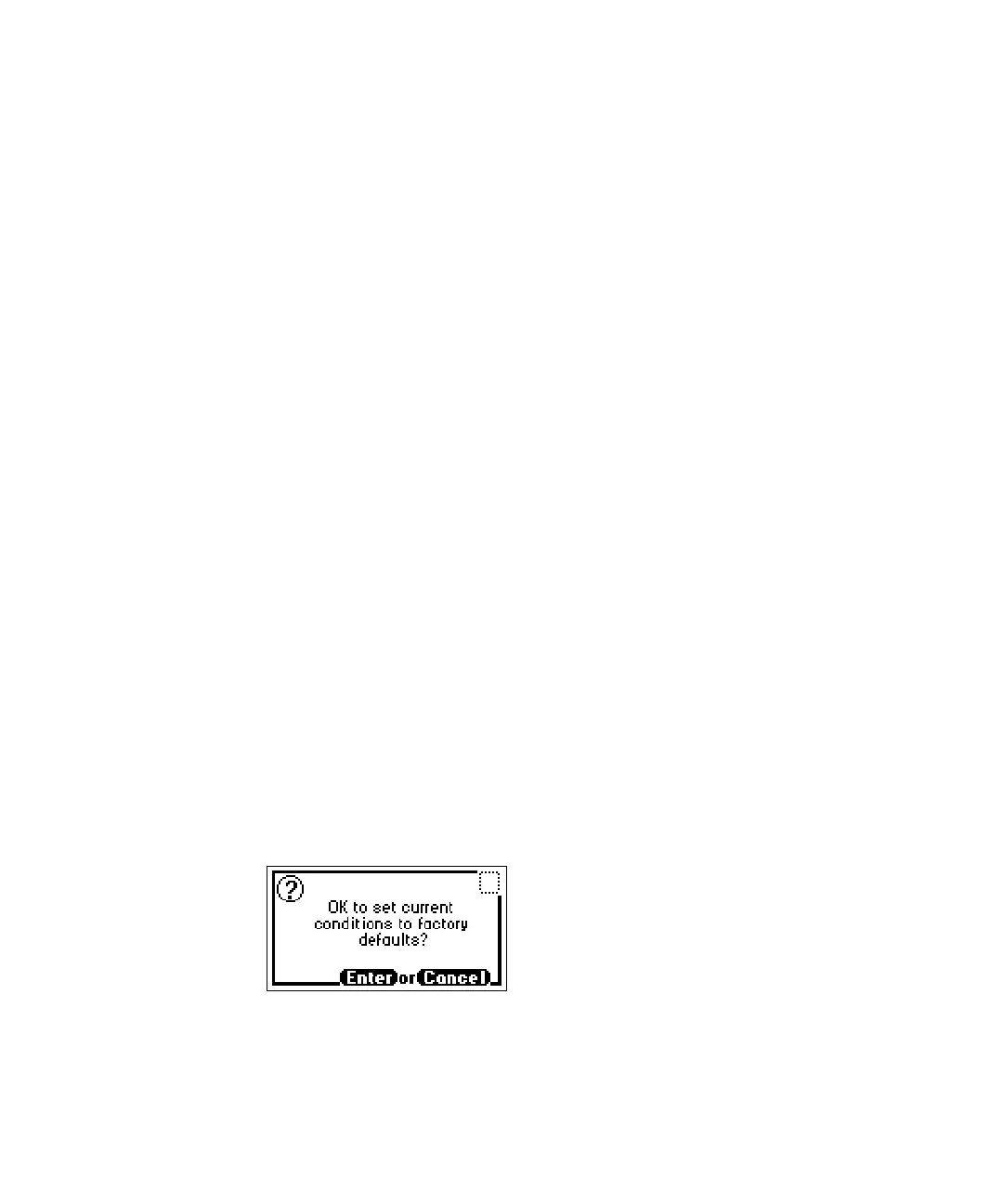
A message screen appears, asking whether it is okay to set current
conditions to factory defaults.
Reset method message



 To Next Page