Using the operator interface 3-29
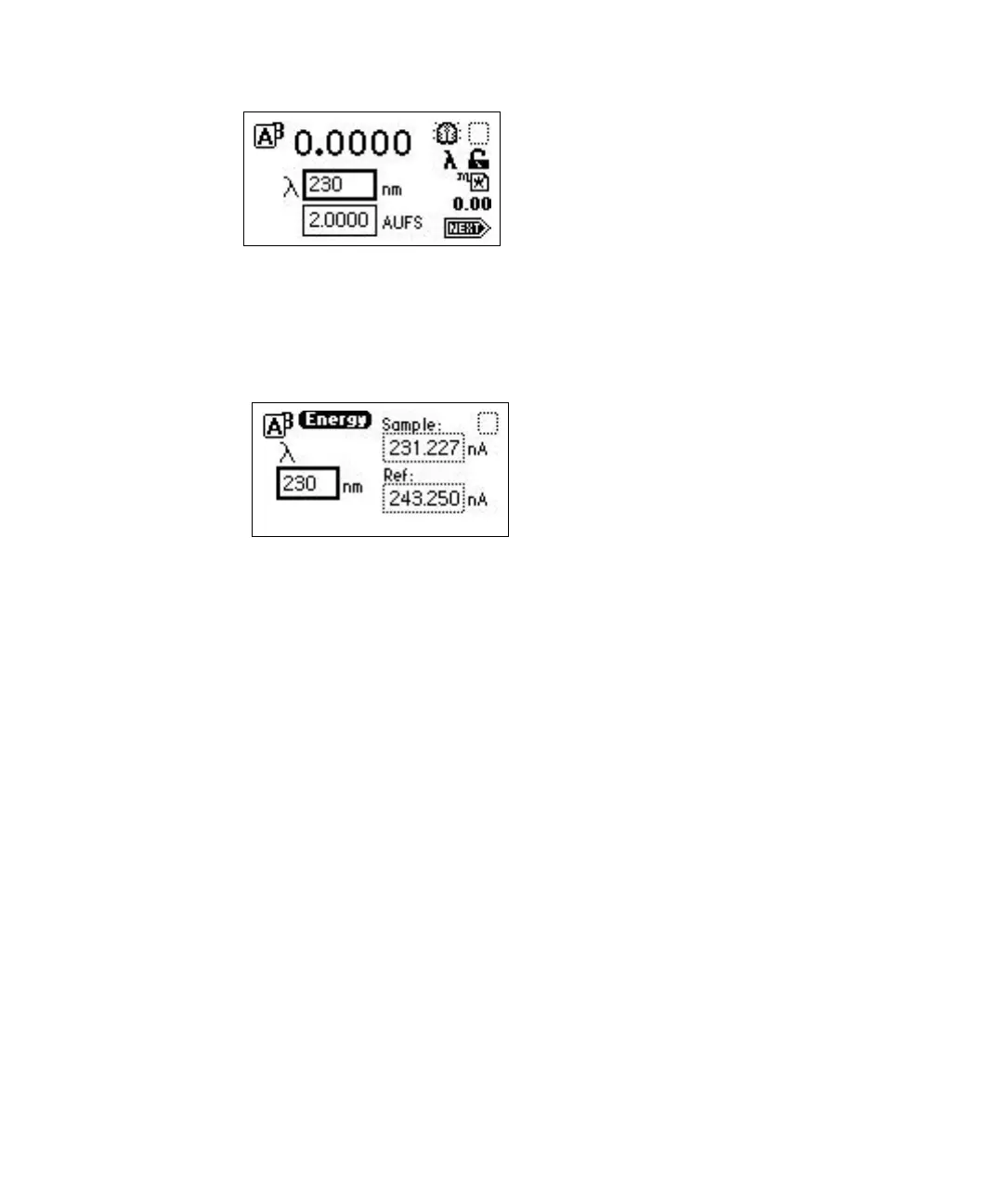
3. Press DIAG and then press 2, Sample & ref energy. The sample and
reference energy diagnostic display appears.
Sample and reference energy diagnostic display
4. Record the numbers for later comparison.
Rule: Run this procedure each time you change the detector lamp.
5. Flush the flow cell with approximately 30 to 60 mL of HPLC-grade
methanol at 1 mL/min for 15 minutes minimum to clean the cell.
You are now ready to run the peak response verification test. If the following
test fails, repeat it.
Make the fluid connections described in “Making fluid line connections” on
page 2-6, before beginning the peak response test.
Verifying peak response
This test checks the detector peak response.
To check peak response:
1. On the absorbance screen, use the arrow keys to highlight the λ field.
2. Enter 254 into the λ field, and then press Enter.
3. Press Enter again to activate the sensitivity field.
4. Set the sensitivity to 2.0 AUFS.



 To Next Page