3-2 Preparing the Detector
Initializing the detector
Before you power-on the detector, be sure the connector from the detector rear
panel to the power source is properly installed.
To power-on the detector, press the On/Off switch located on the front,
lower-right corner of the unit.
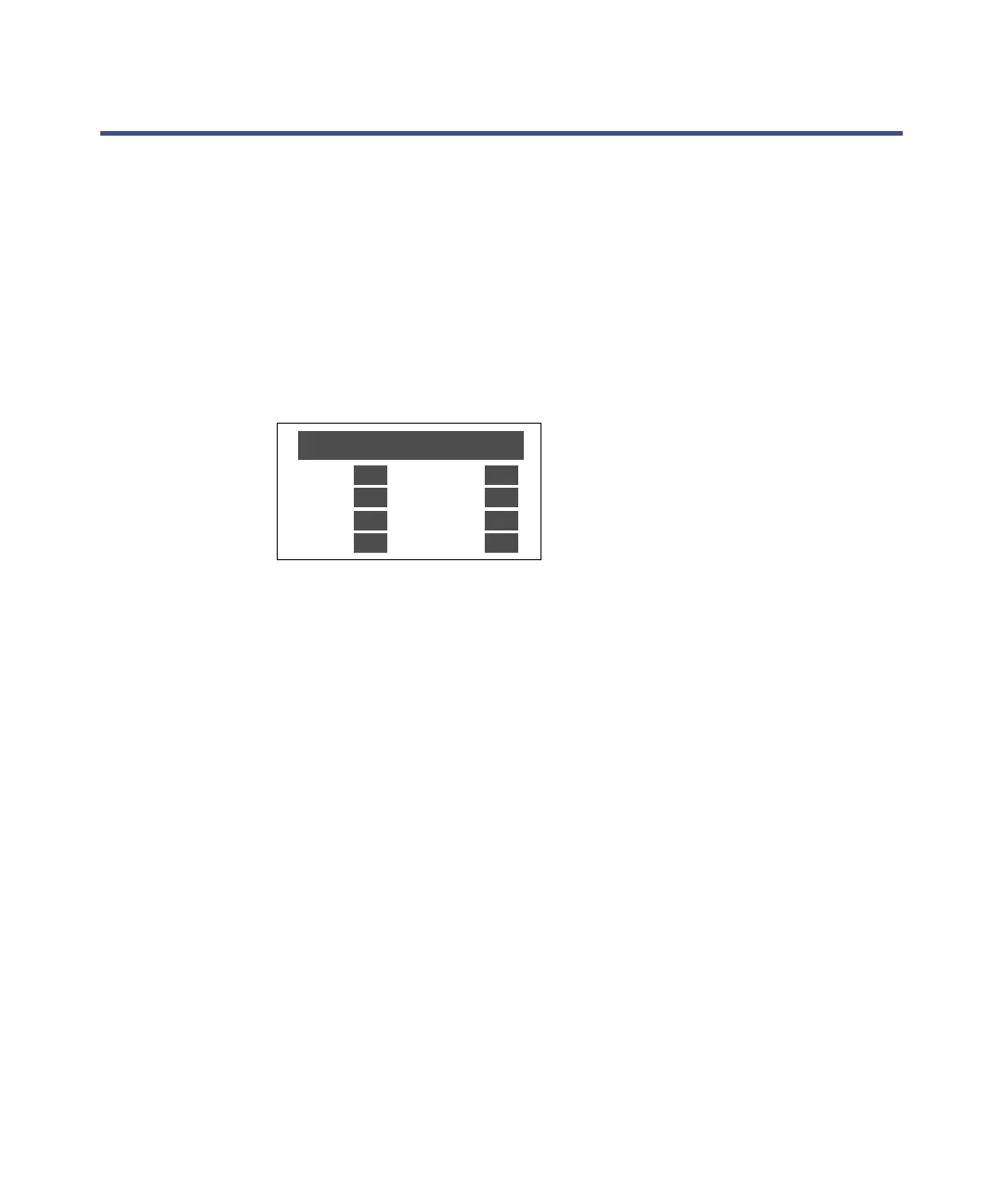
At startup, the detector beeps three times and runs a series of startup
diagnostic tests. If it passes all startup diagnostic tests, the startup
diagnostics OK messages appear.
Detector Startup Diagnostics display
Following display of the Startup Diagnostics screen, the detector displays the
following series of messages in sequence for about five minutes:
• Initializing grating
• Initializing system
• Lighting lamp
• Warmup time left: n minutes
• Homing optical filter
• Searching for 656 nm
• Optimizing system performance
• Finding calibration peaks
•Restoring last setup
• Completing initialization
When initialization is complete, the detector displays the absorbance screen
shown in the figure below. The sections “Using the keypad” on page 3-6 and
“Navigating the user interface” on page 3-12 provide more information on this
and subsequent screens.
STARTUP DIAGNOSTICS
TPU
SCI
GPIB
QSPI
OK
OK
OK
OK
ROM
RAM
LCD
CPU
OK
OK
OK
OK



 To Next Page