3-56 Preparing the Detector
Storing a spectrum
Once you have run a spectrum, you can store it for later review, subtraction,
or playback. You may store up to three spectra.
To store a spectrum:
1. From the graphic display of a sample scan, return to the first Scan
screen by pressing SCAN (Shift Chart Mark).
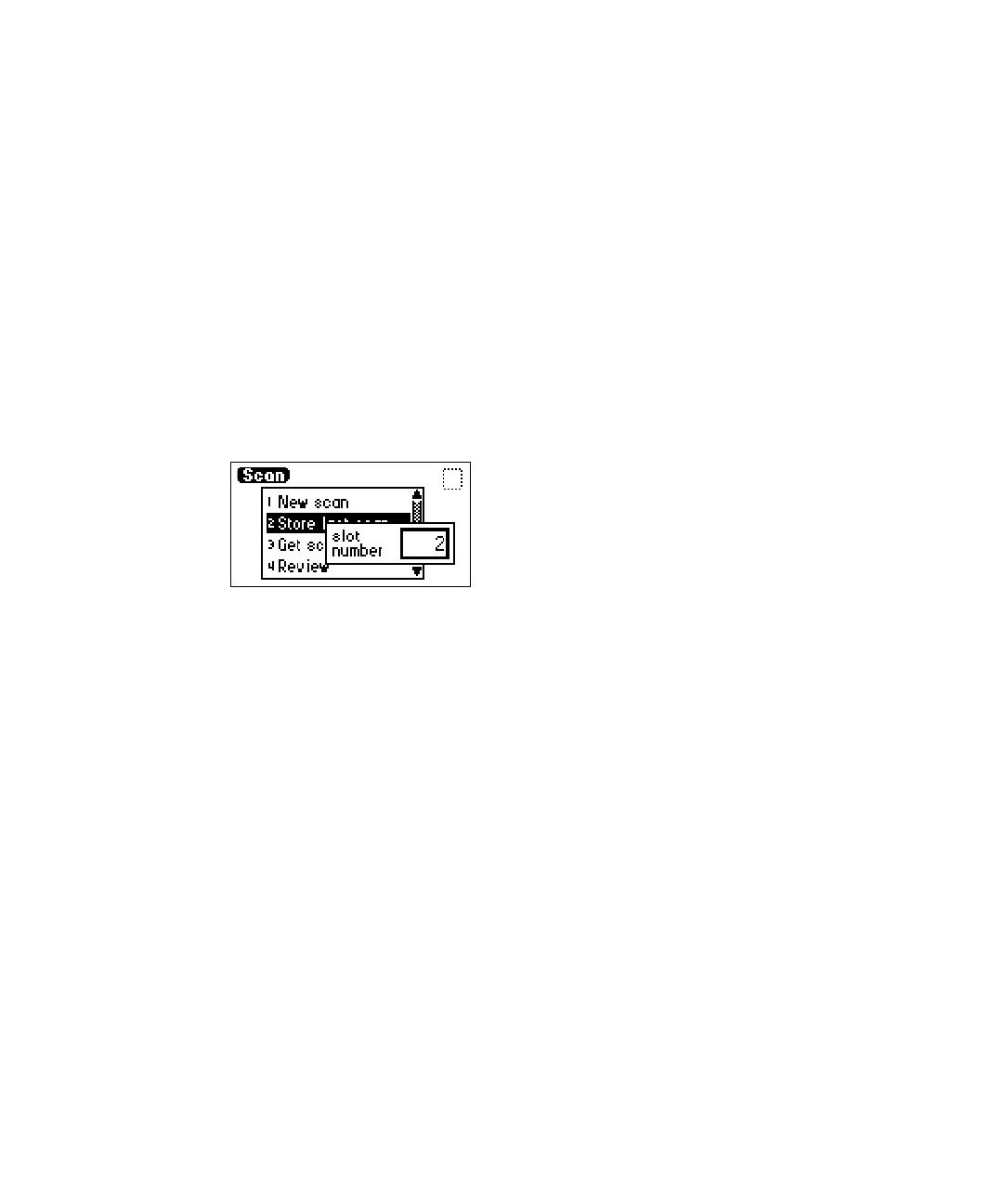
2. Press 2, Store last scan. A slot number box appears.
Tip: When you select Store last scan, you are storing the zero scan and
the sample scan as a pair.
Storage slot number box
3. Enter a number from 1 to 3.
4. Press Enter to store the last sample scan, paired with its zero scan.
Getting information about a stored spectrum
To obtain information about a stored spectrum:
1. Press SCAN (Shift Chart Mark) to view the Scan choice list.
2. Press 3, Get scan info. A slot number box appears with a default of
“Last” (the most recently stored spectrum).
3. Press Enter to get information about the last stored spectrum, or type
the number (1 to 3) of the stored spectrum for which you want
information, then press Enter.
A screen containing the following information appears:
• Storage slot number of the selected scan (or “Last scan”)
• λ range – Displays the wavelength range for the selected spectrum
• Pace – Displays the pace for the selected spectrum



 To Next Page