5-12 Error Messages, Diagnostic Tests, and Troubleshooting
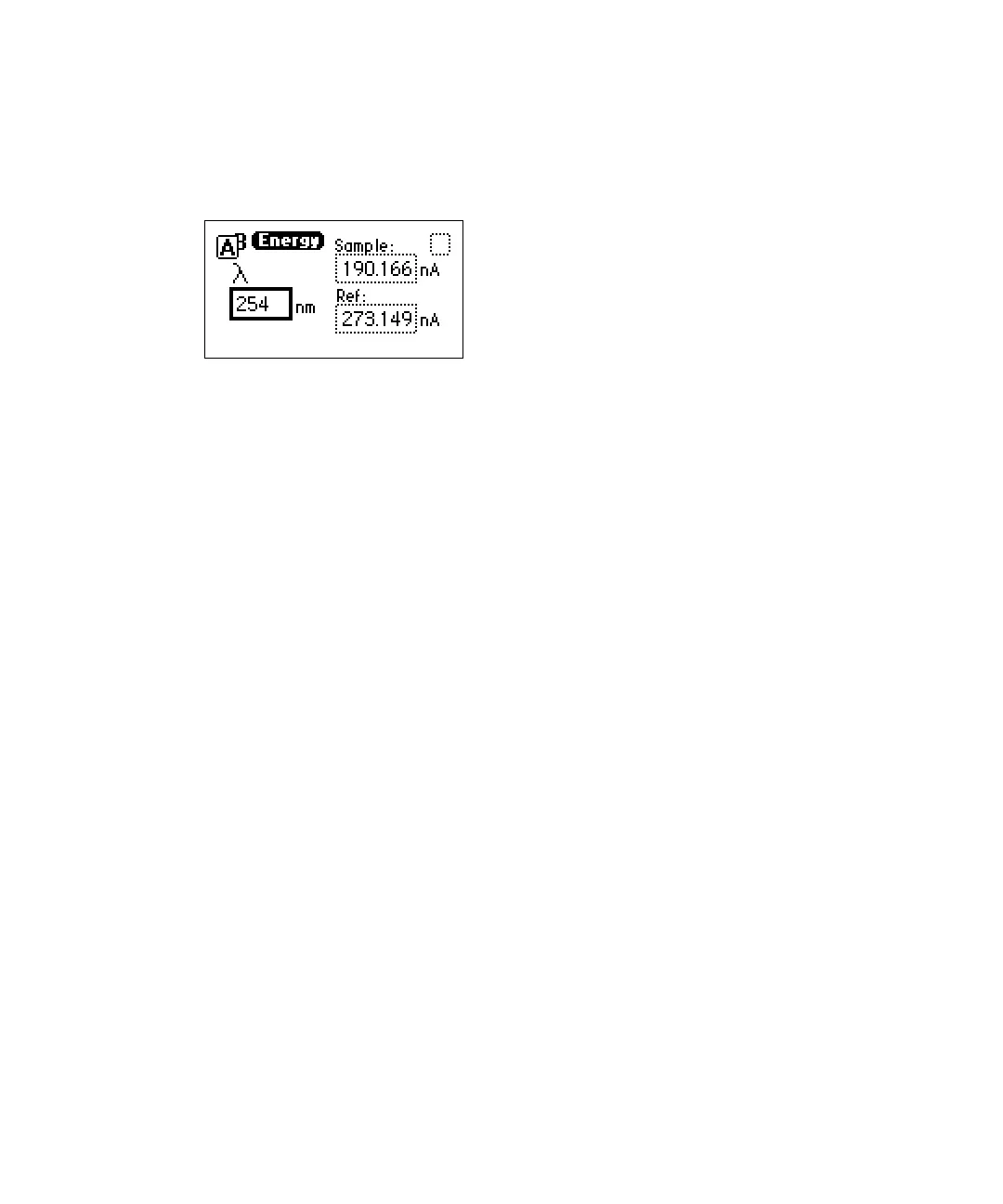
AU time trace. The current sample and reference energy readings are
displayed in nanoamps (nA).
Sample and reference energy diagnostic test
To use the sample and reference energy diagnostic test:
1. Press DIAG, and then press 2.
2. To change the wavelength, enter a new wavelength number.
3. Press Enter. When the new wavelength shifts to the left, the
corresponding sample and reference energies appear.
4. If you are operating the detector in dual wavelength mode, press the A/B
key to view sample and reference energy on the other wavelength.
Using the Input & Output diagnostic tests
You use the Input & Output diagnostic tests to
• display and reset the autozero offsets.
• fix (set) absorbance.
• fix (set) the voltage on the 2-V output.
• monitor contact closures and toggle event switches.
• generate test peaks.
• override the optical filter.
To perform any of the Input & Output diagnostic tests, press DIAG, and then
press 3 for Input & output. A choice list appears.



 To Next Page