3-48 Preparing the Detector
Scanning new spectra
To specify a new spectrum:
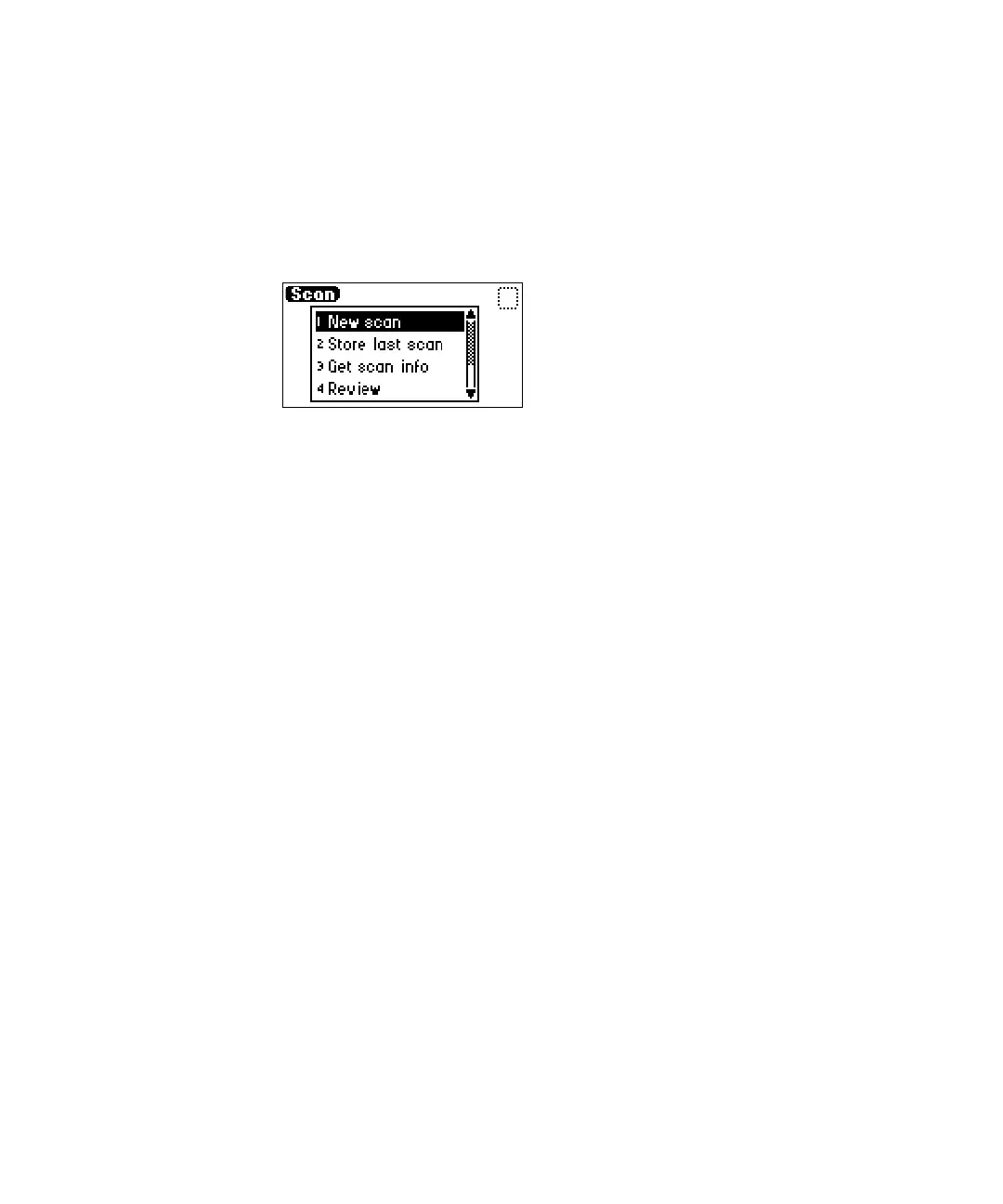
1. Press SCAN (Shift Chart Mark). A Scan choice list appears.
Scan choice list
2. Press 1, New scan, or use the ▲ and ▼ keys to move through the Scan
choice list. The detector displays the first of three parameter screens for
a sample scan or four parameter screens for a zero scan (Figure “Zero
and sample scan screen” on page 3-51).
3. Press Next to advance through the New scan parameter screens.
4. On the first New scan screen, specify the type of scan:
• Press 1 for sample scan, or press Enter to display the choice list. The
detector displays two additional screens.
• Press 2 for zero scan, or press Enter to display the choice list. The
detector displays three additional screens.
All parameters appear on the first New scan screen for both a zero and a
sample scan. You can return to screen 1 to review the parameters for
either scan type by pressing Next from the Run screen (screen 3 of 3 for
sample scan or 4 of 4 for zero scan).
Tip: You can press Run from any New scan screen.
The table below provides the defaults and ranges for all parameters for both
zero and sample scans.



 To Next Page