User-selected diagnostic tests 5-15
2. For the outputs (SW1 and SW2):
a. Press Enter to display the active switch (surrounded by a
dotted-line border).
b. Press any numerical key to change the status of the switch (ON to
OFF or vice versa).
c. Press Enter to select the second switch.
Using the lamp, display, and keypad diagnostic tests
To access the lamp, display, and keypad diagnostic tests, press DIAG and then
press 4.
Using the Change Lamp diagnostic test
To change the lamp:
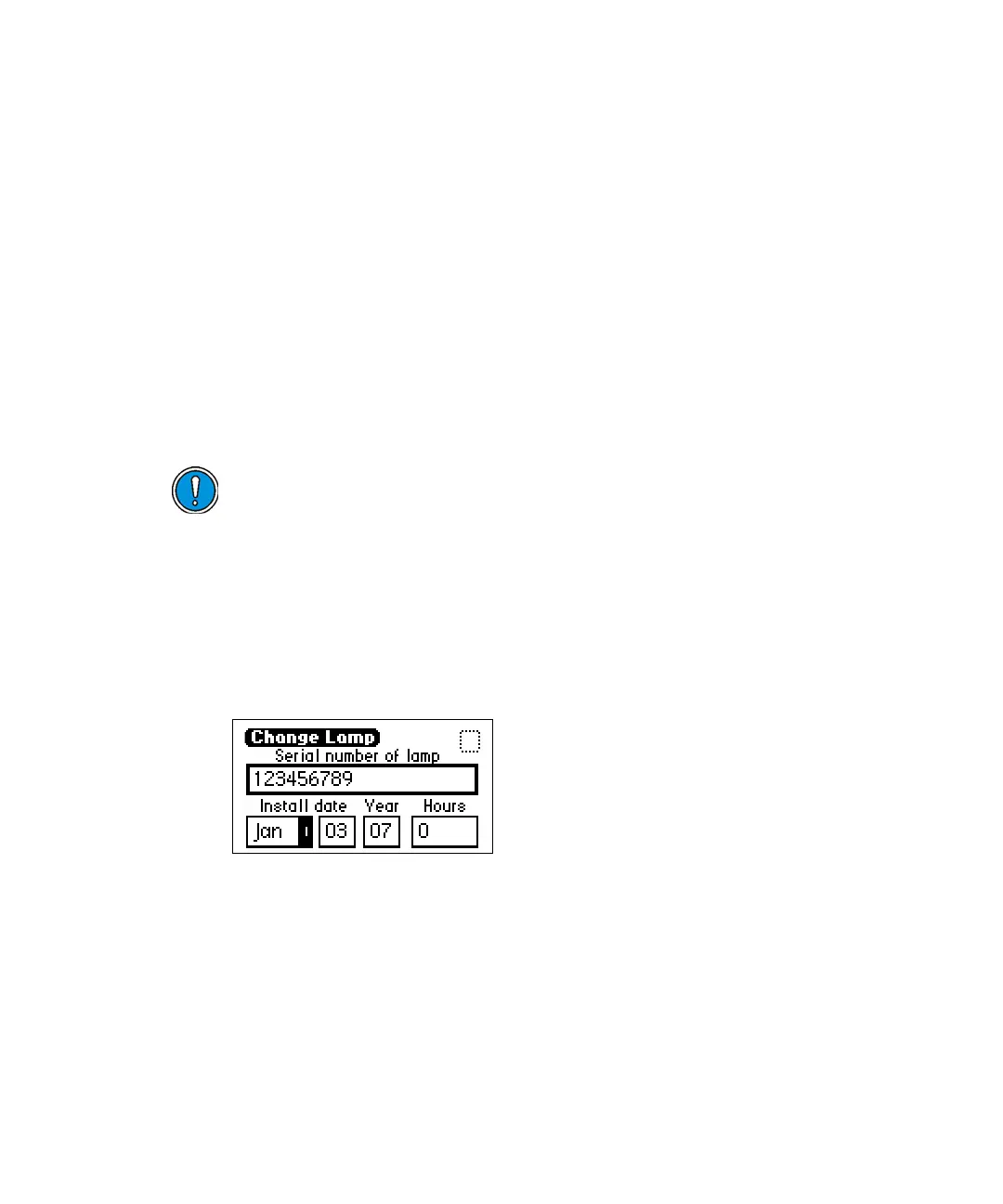
1. From the Lamp, display & keypad choice list, press 1 (Change lamp) to
access the Change Lamp diagnostic display.
Change Lamp diagnostic display
2. Enter the 9-digit serial number and date of installation for the new
lamp. Press Enter after each entry.
Use this function whenever you change the lamp to enter a new serial
number and installation date. See “Installing the new lamp” on
Caution: Make sure the detector is powered-off and the power cord is
disconnected before you replace the lamp.



 To Next Page