Replacing the lamp 4-23
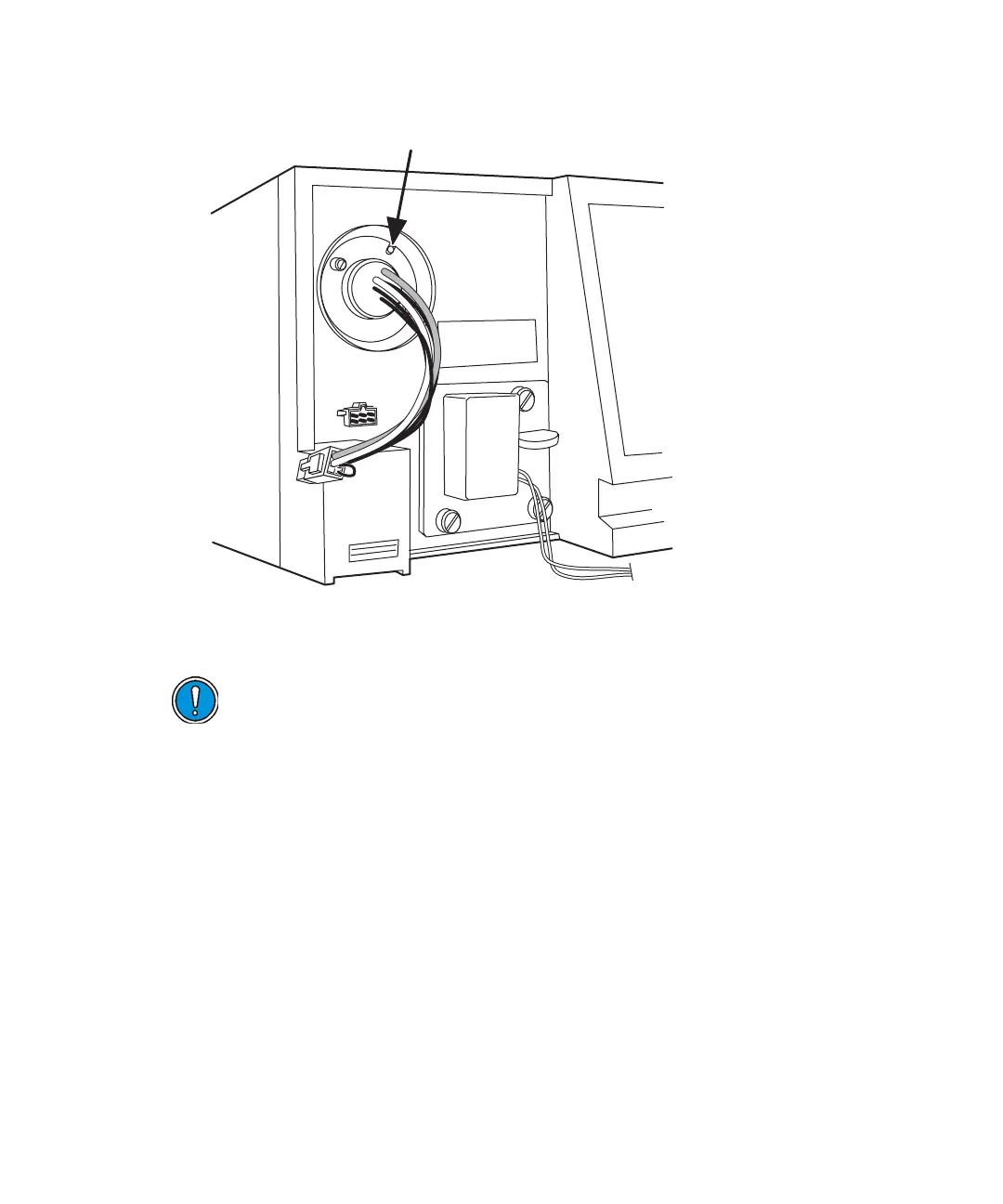
Aligning the lamp
Recording the new lamp serial number
The detector software allows you to record and store the serial number and
date of installation of a new lamp so that you can periodically check its age
and its number of ignitions.
To record the new lamp serial number:
1. Once the unit warms up, press the DIAG key.
2. Press 4, Lamp, display & keypad.
3. Press 1, Change lamp.
Caution:
• Always run the Change Lamp diagnostic test after you install a new lamp
(see “Using the lamp, display, and keypad diagnostic tests” on page 5-15).
• If you do not record the new lamp serial number following the procedure in
this section, the lamp warranty is voided.



 To Next Page