Using the operator interface 3-25
Setting display contrast
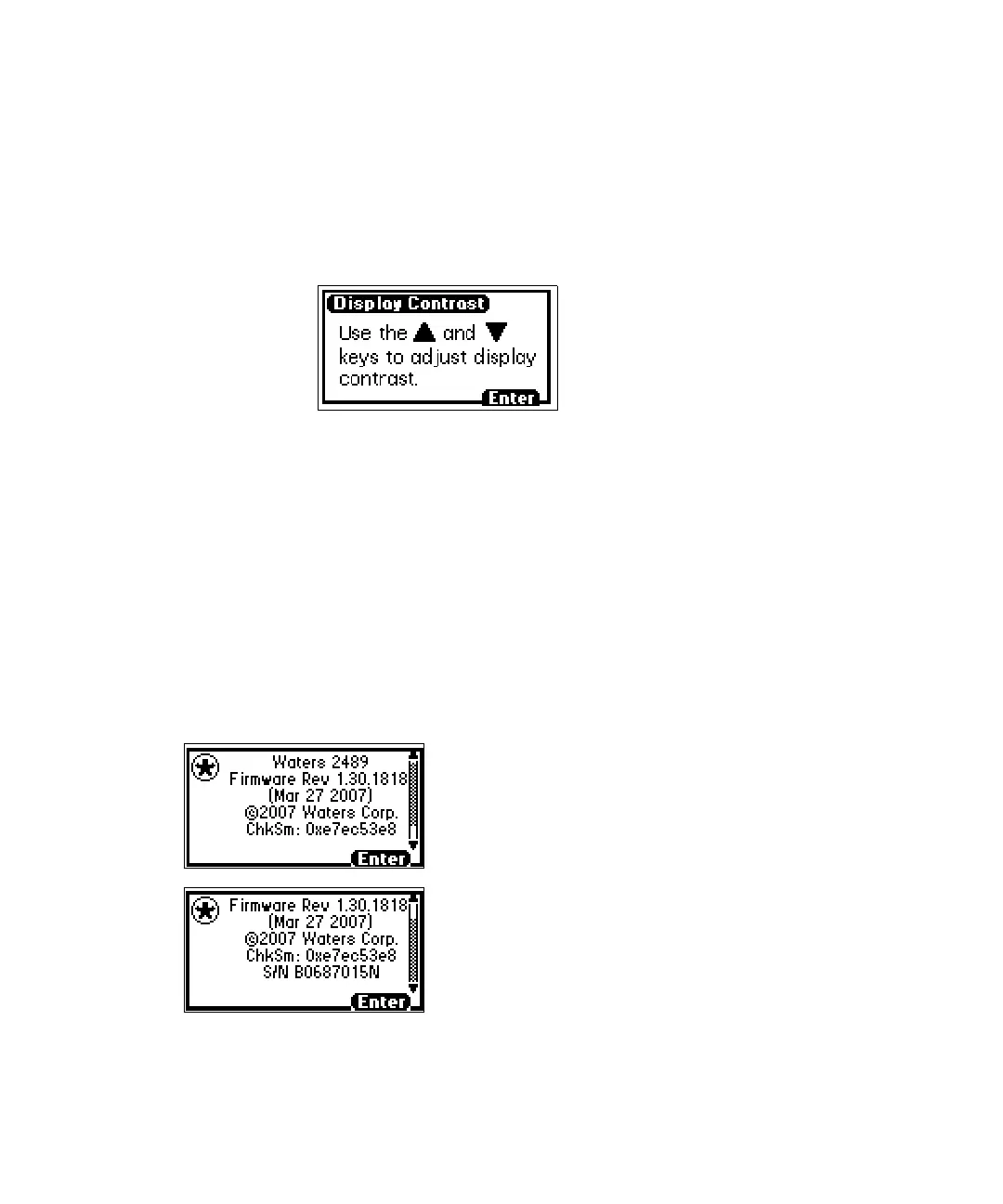
The Contrast function allows you to adjust the contrast of the detector display
screen. When you press the Contrast key (Shift 6), the Display Contrast
screen appears.
Display Contrast screen
Use the ▲ and ▼ keys to adjust the contrast of the display.
Displaying system info
The System Info key (Shift 4) displays information about the detector,
including the serial number and the firmware version number.
Tip: Use the scroll bar to see all of the message. The Firmware Rev and
ChkSm values shown here are examples only. They do not indicate the
released version information.
System info screen example
Start of message
End of message



 To Next Page