Replacing the lamp 4-25
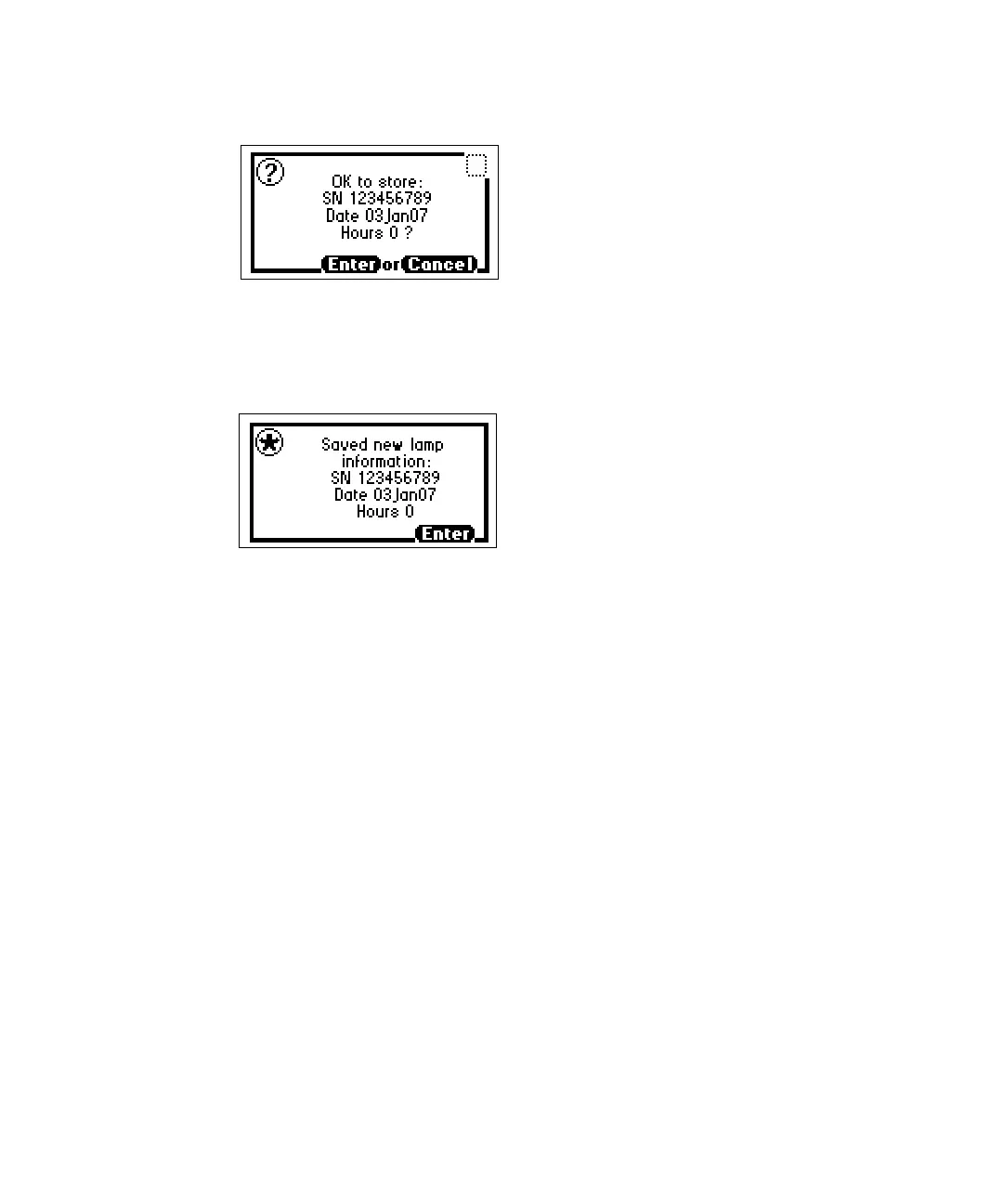
Lamp serial number OK to store message
11. When the confirmation message appears, press Enter.
Lamp serial number confirmation message
12. Perform a manual wavelength calibration (see “Wavelength calibration”
on page 3-30).
Requirement: To run the verification procedures with the new lamp installed,
recalibrate the detector or recycle power to the detector after replacing the
lamp.
Setting the lamp threshold
You can set an alarm threshold for the lamp. When the number of hours meets
or surpasses the threshold, an alarm appears. The default alarm threshold is
2000 hours.
The alarm message also appears when you first turn on the instrument. The
lamp threshold screen displays the current total number of hours the lamp
has been in use since installation.



 To Next Page