3-38 Preparing the Detector
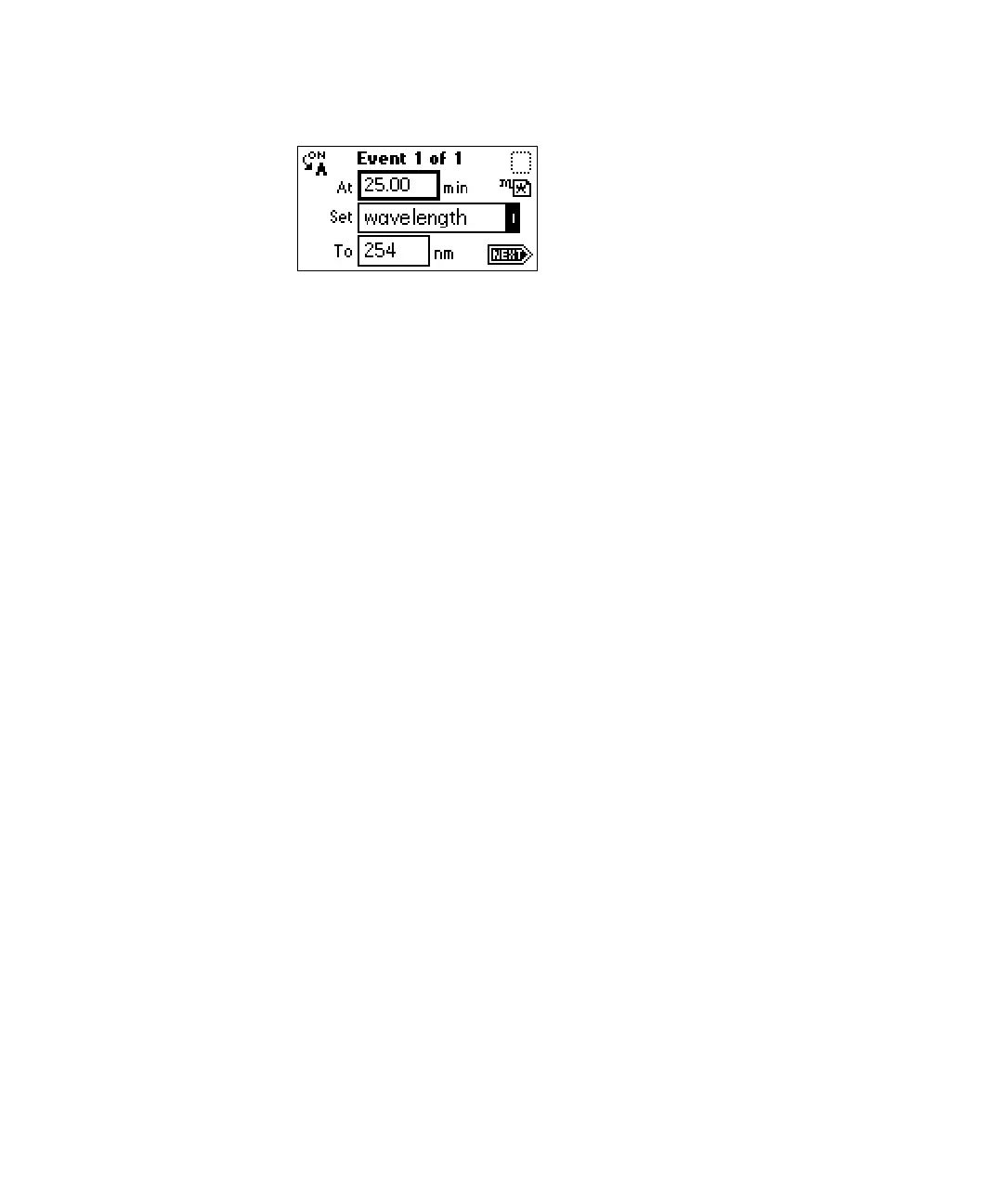
Timed events screen
4. Press Enter to enter the time. To advance to the Set field (Events choice
list), press the ▼ key.
5. Press Enter again to display the choice list, or, if you know the event
number, press the number for the event you are programming (Table
titled “Timed event parameters” on page 3-36).
6. Enter the appropriate wavelength in nm into the To field, if the To field
appears.
Rule: If you want the same event programmed on both channels, you
must enter two events, one for channel A and one for channel B.
7. Press A/B to set the threshold on the other channel.
Tip: ON A or ON B indicates the channel the event is programmed on.
You can program all events on channel A, all on channel B, or some on
channel A and some on channel B. Event programming is time-based,
not channel-specific.
8. Press Next to advance to a new timed event.
9. To delete a timed event, press CE when the time field is active to change
it to OFF.
10. Press HOME to return to the absorbance screen, then press Run/Stop to
start the method.
11. Press Reset to reset the run clock to 0.



 To Next Page