Using the operator interface 3-37
To program a new timed event:
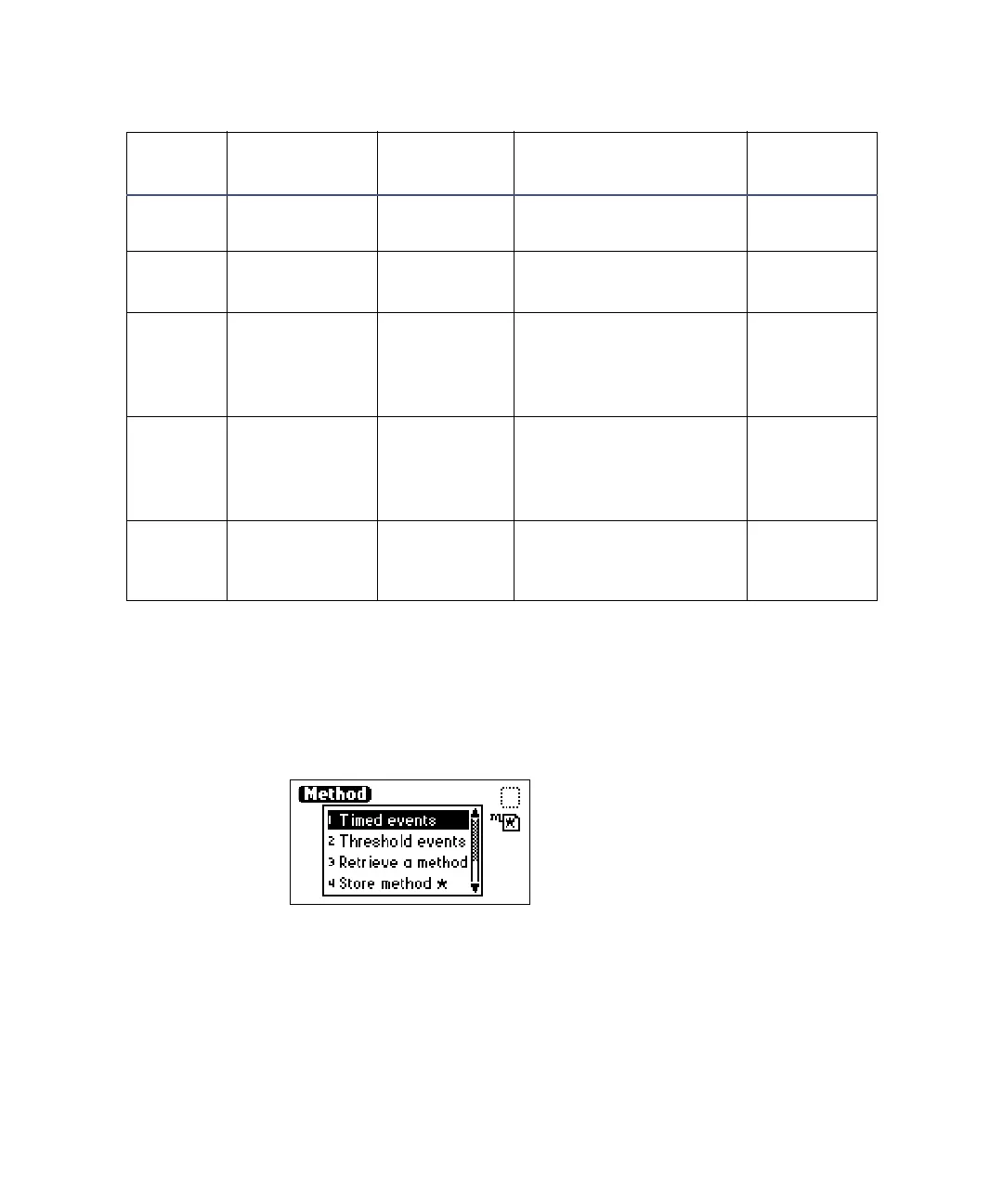
1. Press the METHOD (Shift A/B) key on the detector keypad. The Method
choice list appears.
Method choice list
2. Press 1, Timed events. An active field for entering the time of the event
appears.
3. Enter the time for the event. When you begin entering the time,
additional fields appear.
6 Auto zero Does not
apply
Does not apply Yes
7Lamp 1. Off
2. On
Off No
8 Switch 1 1. High
2. Low
3. Pulse
4. Rect wave
High No
9 Switch 2 1. High
2. Low
3. Pulse
4. Rect wave
High No
10 Threshold AU –4.0000 to 4.0000 or
variable, depending on
output selection
Yes
Timed event parameters
Number Event Units Range or Default
Specify
Channel



 To Next Page