3-54 Preparing the Detector
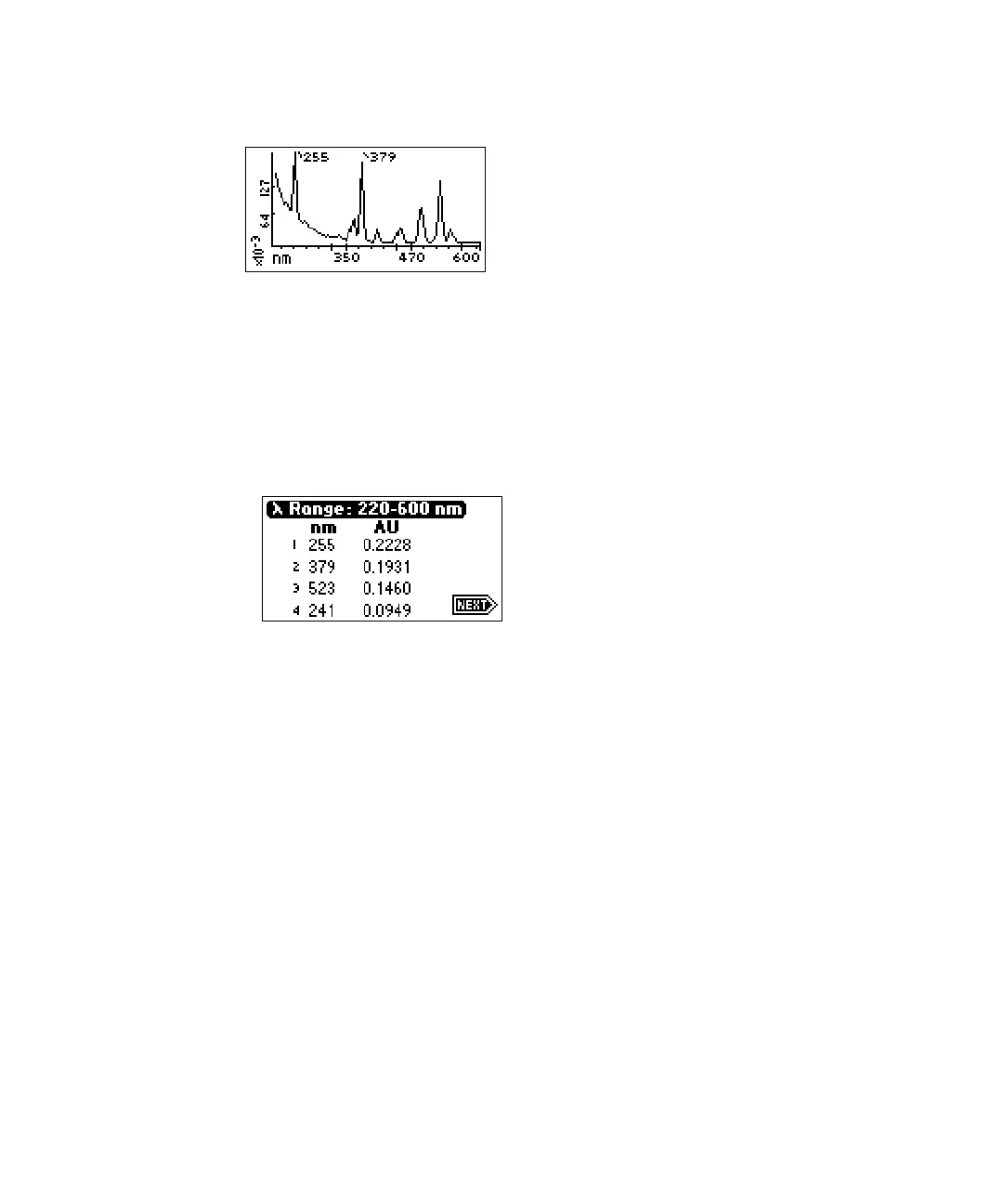
Sample erbium scan with l1 changed to 225 nm and l2 changed to 600 nm
9. Once you have changed one or more scaling parameters, press Enter to
reformat the graphical display.
10. Once the scan reappears press Next to display the four highest peaks of
the scaled scan.
Four highest peaks from the scaled sample erbium scan
11. Press Next again to return to the sample scan display.
The figure below shows a series of scans of anthracene dissolved in
acetonitrile to display the use of the Scale function. The zero scan is not
displayed.
For the scaling parameters AU1 and AU2, the default is auto. You can
change the AU parameter based on the absorbance of the spectrum. To
return the default to auto, press CE.
12. When you have finished manipulating the sample scan graphical
display, press SCAN (Shift Chart Mark) to return to the Scan choice list.
To store the scan, see “Storing a spectrum” on page 3-56.



 To Next Page