Scanning spectra 3-61
3. With the spring guide facing you, gently insert the cuvette (containing
eluent) up under the guide, with the cap facing upward (into the holder)
and a frosted side of the cuvette facing up. Refer to the figure on
page 3-59.
Recommendations:
• Ensure that you have enough liquid (3 mL) in the cuvette so that
when it is inserted into the holder, you can see liquid through the
cuvette holder aperture, that is, the liquid completely covers the
aperture.
• Because the cuvette holder is angled, use your thumb or forefinger
to ensure the cuvette is secure in the slot and does not slide forward.
Ensure that it does not become dislodged when you are replacing
the cuvette holder.
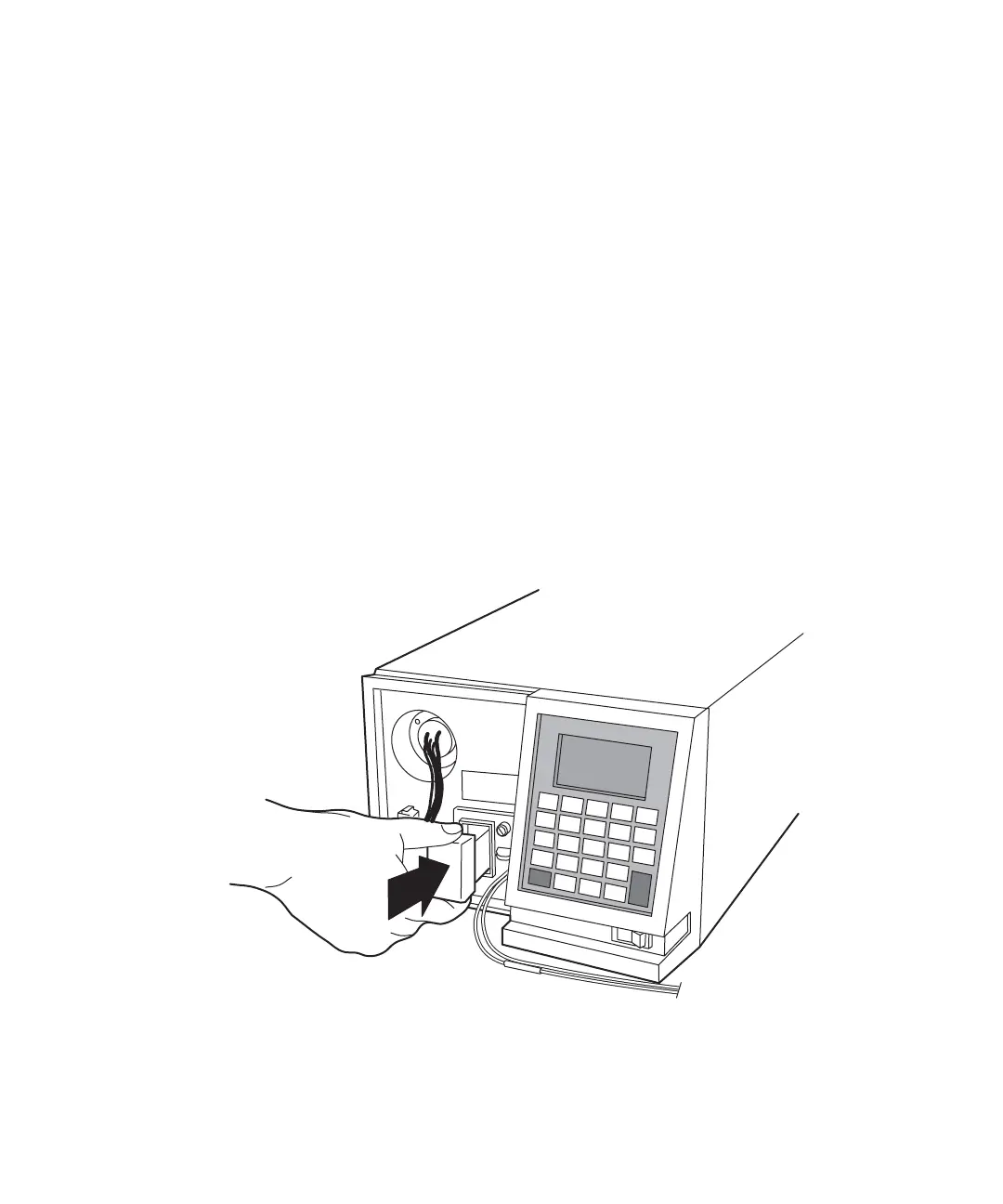
4. Gently guide the cuvette holder back into the flow cell assembly until it
sits in position securely.
Replacing the cuvette holder
5. Reinstall the detector front left panel cover.
TP02809



 To Next Page