Replacing the lamp 4-19
3. After the lamp is extinguished, allow the lamp to cool for a minimum of
30 minutes.
4. Remove the front left panel cover, as described in “Proper operating
procedures” on page 4-3.
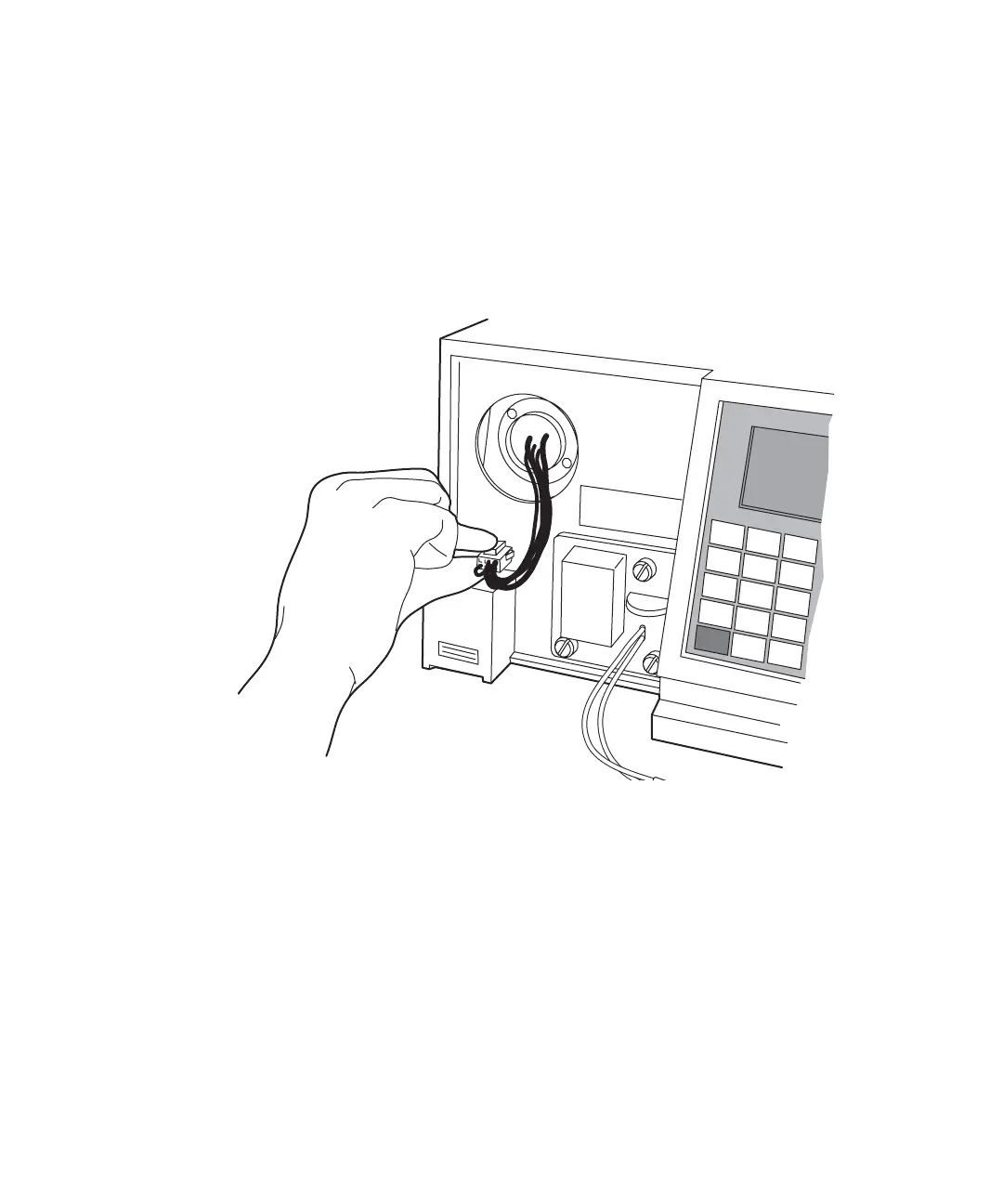
5. Disconnect power to the lamp and disconnect the cord.
Lamp assembly and power connector
6. Loosen the two captive screws in the lamp base.



 To Next Page