2-22 Installing the Detector
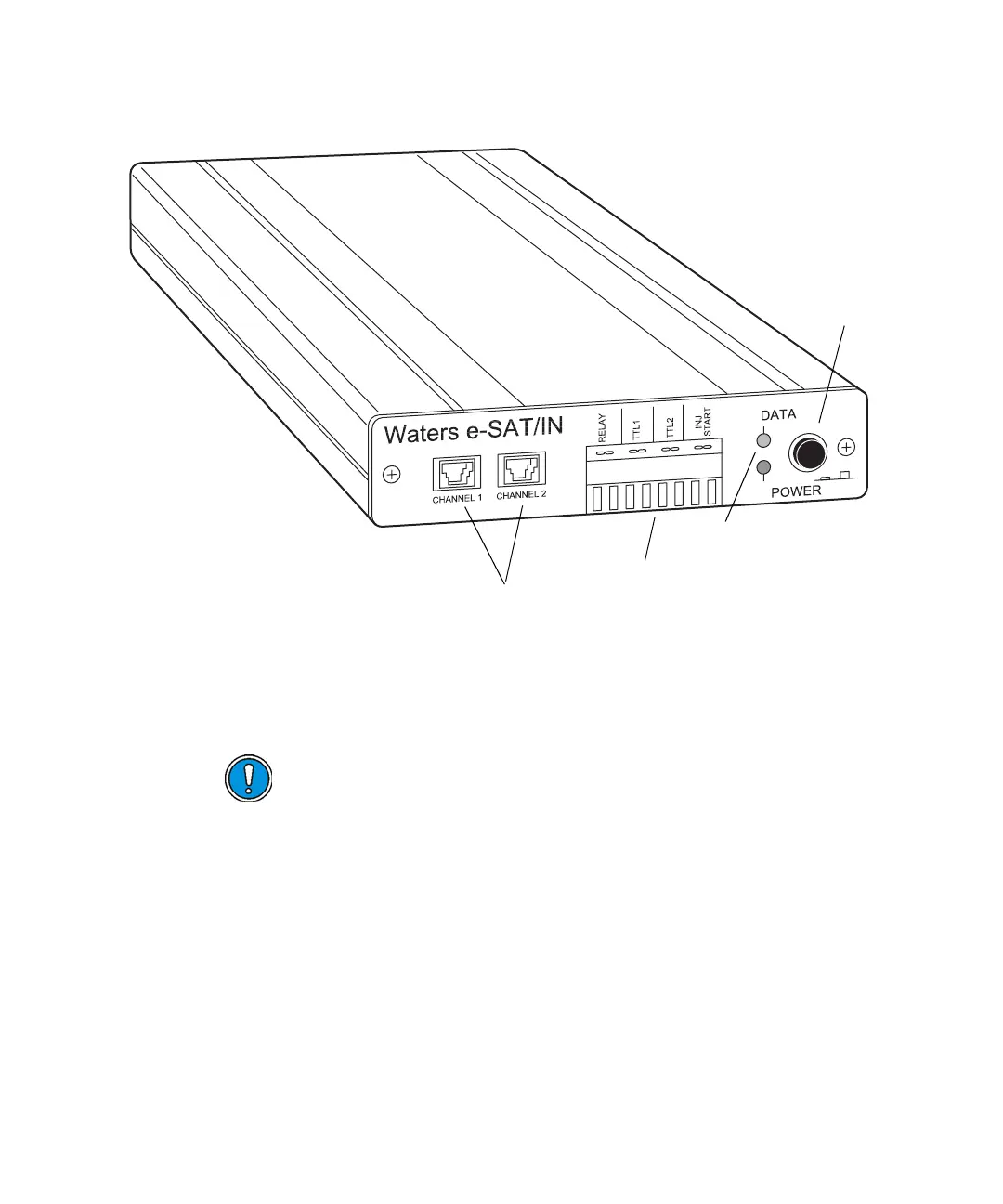
e-SAT/IN module (front panel)
To connect the detector to the Empower workstation:
1. Connect the detector to the e-SAT/IN module. (See “Connecting the
detector to the e-SAT/IN module” on page 2-23.)
Caution:
• The e-SAT/IN module does not have a power switch. To prevent
damage to the module, always disconnect the power cord at either
the wall outlet or the power supply before attaching or removing
the power connection to the e-SAT/IN module.
• To ensure proper startup of the e-SAT/IN module, do not turn on
power to the module until you perform all procedures described in
the Waters e-SAT/IN Module Installation Guide. Improper
startup can damage the unit and void the warranty.
TP02834
Analog inputs
I/O connector
LEDs
Power
switch



 To Next Page