Using the operator interface 3-7
• primary function keys (Chart Mark, Auto Zero, and Run/Stop).
• secondary function keys (Scale, Single or Dual Wavelength, Reset Clock,
Lamp, Lock, Calibrate, System Information, Contrast, Previous, Cancel,
+/–, and Clear Field).
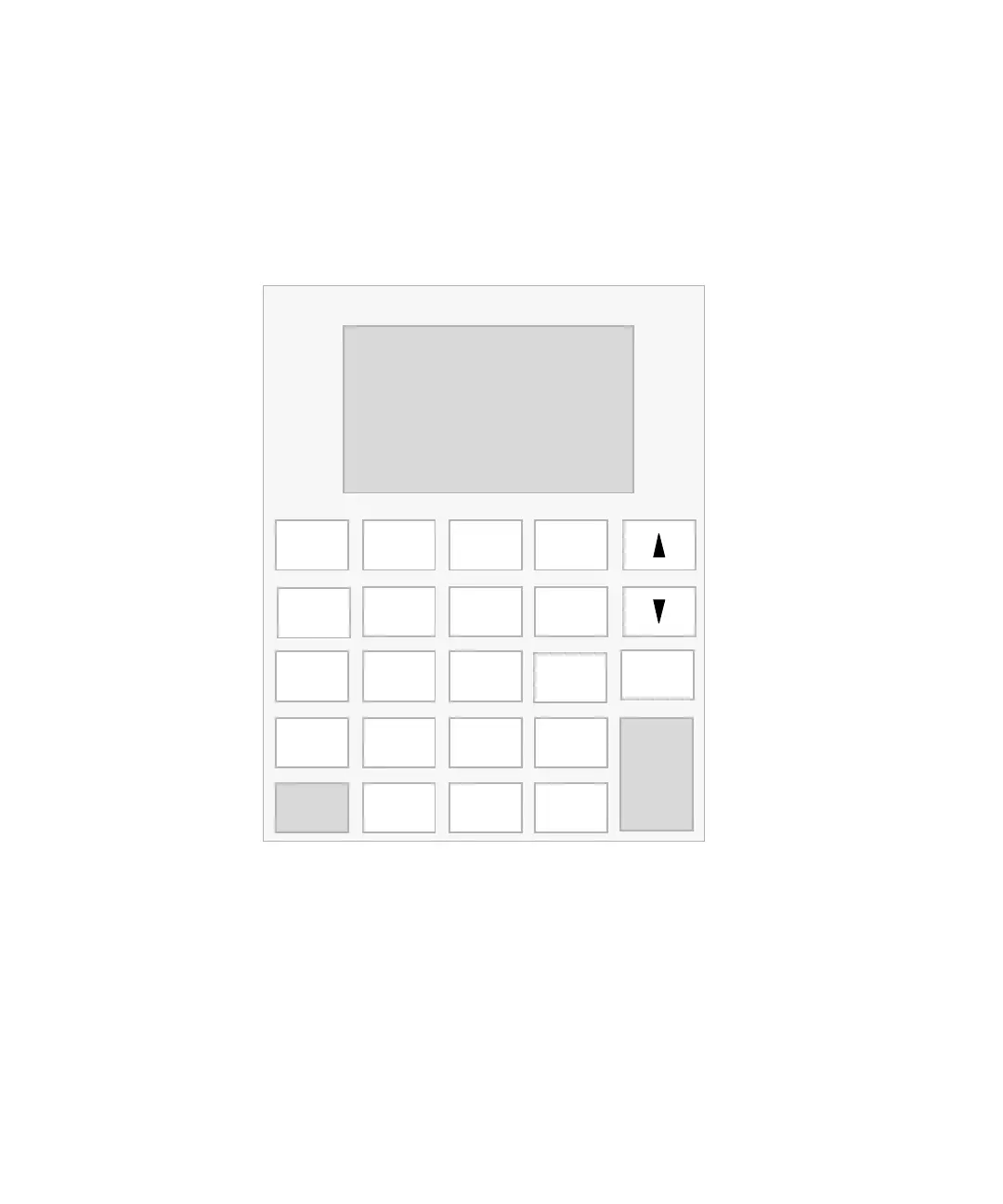
Detector keypad
Primary function keys take effect immediately, with no further entry
required. Secondary function keys require you to enter information into
parameter fields and to press Enter for the functions to take effect.
Keys that appear in all caps (HOME, DIAG, TRACE, METHOD,
CONFIGURE, and SCAN) take you directly to a function from most screens.
For numerical entries from 1 to 9 on choice lists or menus, enter the number
corresponding to the desired item, then press Enter. For the number 10, select
0, then press Enter. To go to the end of a choice list, select •. For entries
Enter
Shift
0
12
4
5
87
3
6
9
CE
Chart Mark
Auto Zero Run/Stop
TRACE
DIAG
Next
λ/λλ
Lamp Lock
Reset
?
METHOD Calibrate
CONFIGURE
Previous
Cancel
System Info
.
A/B
Scale
SCAN
HOME
+/−
Clear Field
Contrast



 To Next Page