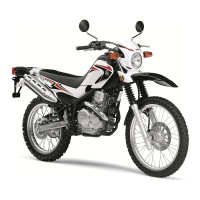
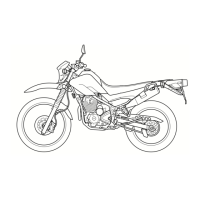
Before troubleshooting, remove the following part(s):
1.Seat
2.Rear side cover
3.Fuel tank
4.Carburetor assembly
1. Check the fuse.
Refer to
“CHECKING THE FUSE” on
page 7-37.
NG→ Replace the fuse.
OK↓
2. Check the battery.
Refer to “CHECKING AND CHARG-
ING THE BATTERY” on page 7-37.
NG→
● Clean the battery terminals.
● Recharge or replace the battery.
OK↓
3. Check the stator coil.
Refer to
“CHECKING THE STATOR
COIL” on page 7-44.
NG→ Replace the stator assembly.
OK↓
4. Check the rectifier/regulator.
Refer to
“CHECKING THE RECTI-
FIER/REGULATOR” on page 7-45.
NG→ Replace the rectifier/regulator.
OK↓
5. Check the entire charging system’s
wiring.
Refer to
“CIRCUIT DIAGRAM” on page
7-11.
NG→
Properly connect or repair the charging
system’s wiring.
OK↓
This circuit is OK.



 To Next Page